PP6000 Command Details - Page 9
EXPLANATION:
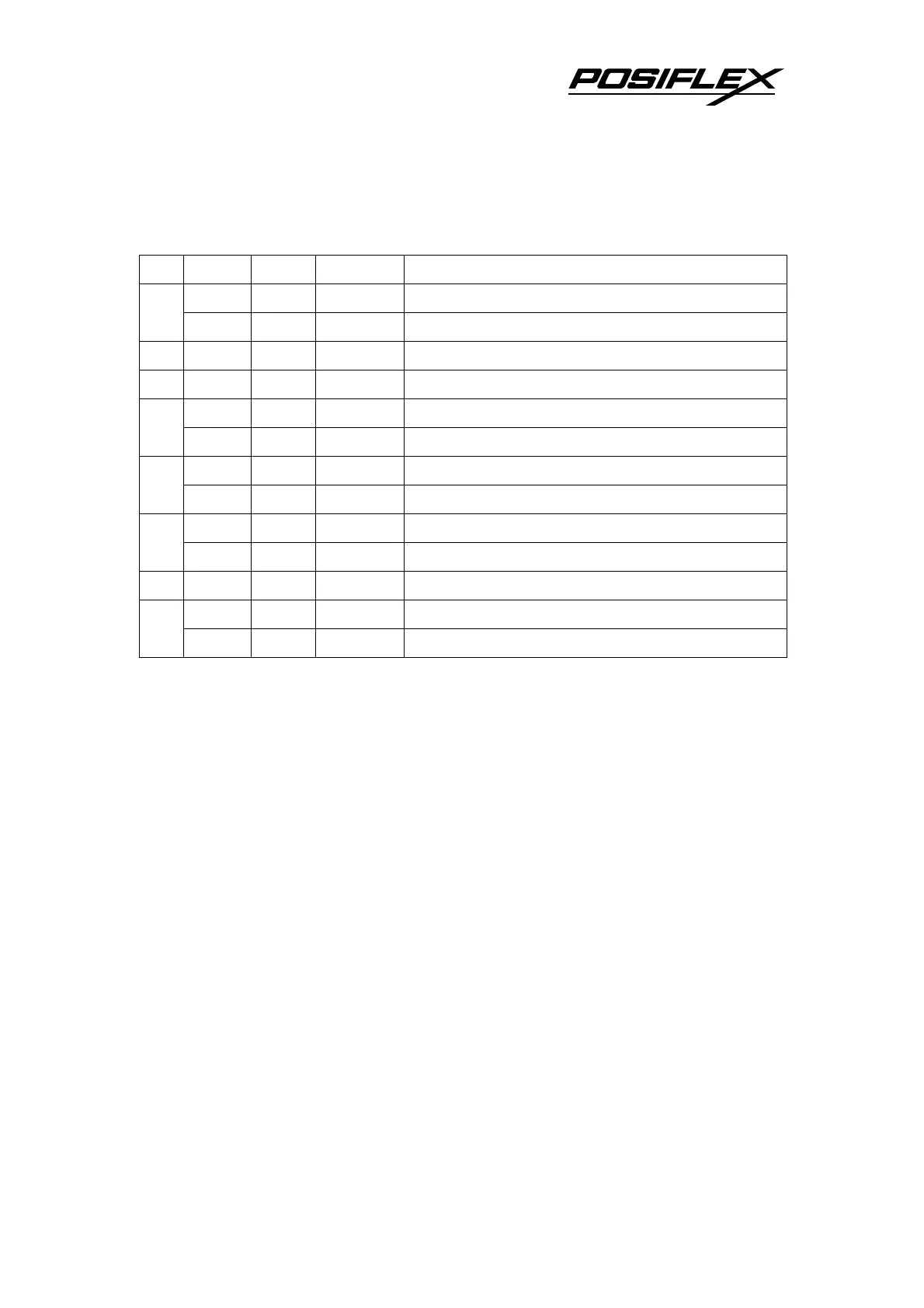
1. This command specifies n as follows:
Bit Off/On
Hex Decimal Function
Off 00 0 Character font A (12 x 24) 0
On 01 1 Character font B (8 x 16)
1 - - - Undefined
2 - - - Undefined
Off 00 0 Emphasized mode not selected 3
On 08 8 Emphasized mode selected
Off 00 0 Double-height mode not selected 4
On 10 16 Double-height mode selected
Off 00 0 Double-width mode not selected 5
On 20 32 Double-width mode selected
6 - - - Undefined
Off 00 0 Underline mode not selected 7
On 80 128 Underline mode selected
2. When both –height and double-width modes are selected, quadruple size
characters are printed.
3. The printer can underline all characters, but can not underline the space set by
{HT} or 90°clockwise rotated characters.
4. The thickness of the underline is that selected by {ESC} -, regardless of the
character size.
5. When some characters in a line are double or more height, all the characters on the
line are aligned at the baseline.
6. {ESC} E can also turn on or off emphasized mode. However, the setting of the
last received command is effective.
7. {ESC} - can also turn on or off underline mode. However, the setting of the last
received command is effective.
8. {GS} ! can also select character size. However, the setting of the last received
command is effective.
.















 To Next Page