22
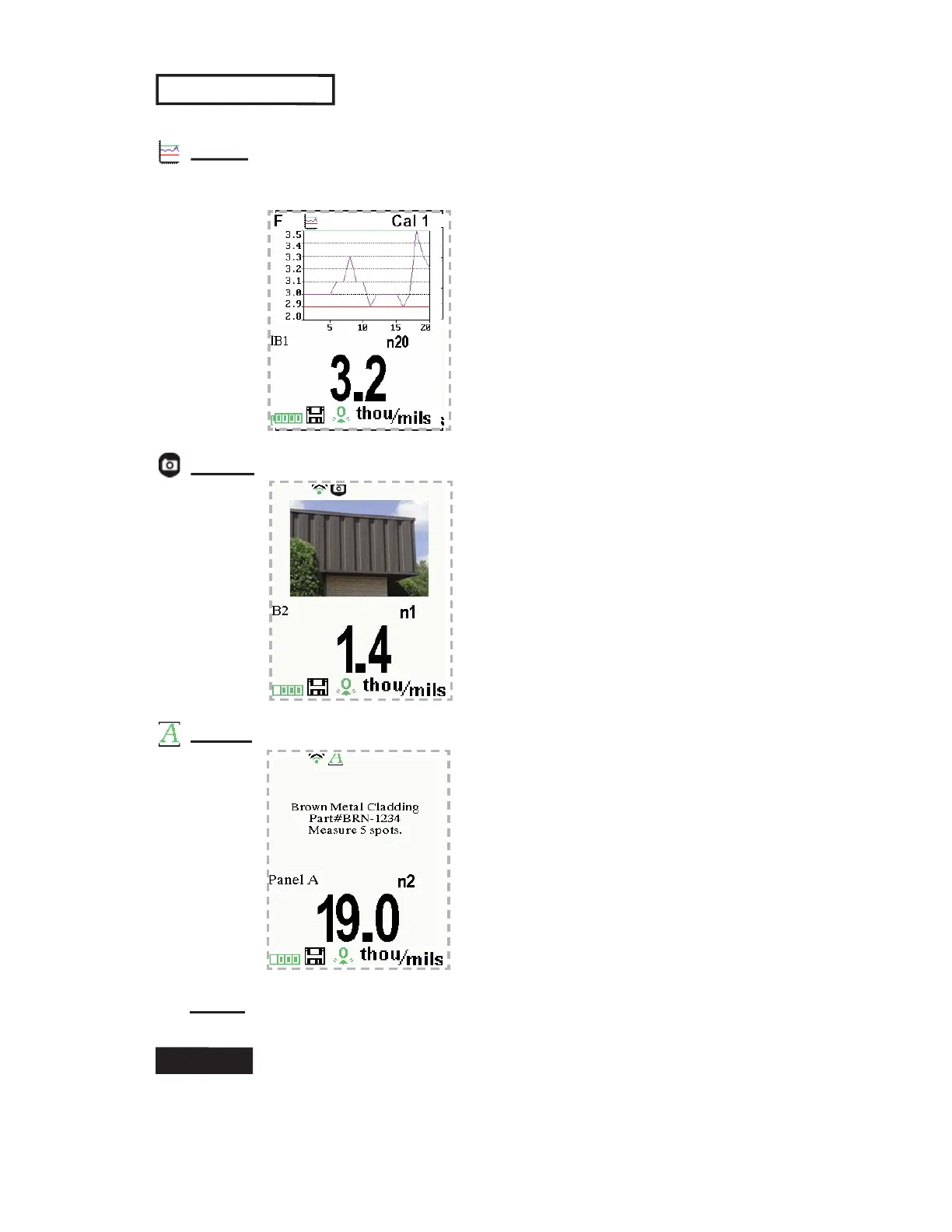
The following user selectable display options are available:
Display
(appears only if a batch is currently open)
Chart
: A real-time chart of batch readings
x-y Chart for
Single Layer Application
Image
: Batch image
Notes: Instructions, descriptions or notes (see Annotate, pg.21)
None
: Default screen shows statistics
When a batch is open, press Up to scroll through the
above display options.
Shortcut:



 To Next Page