30
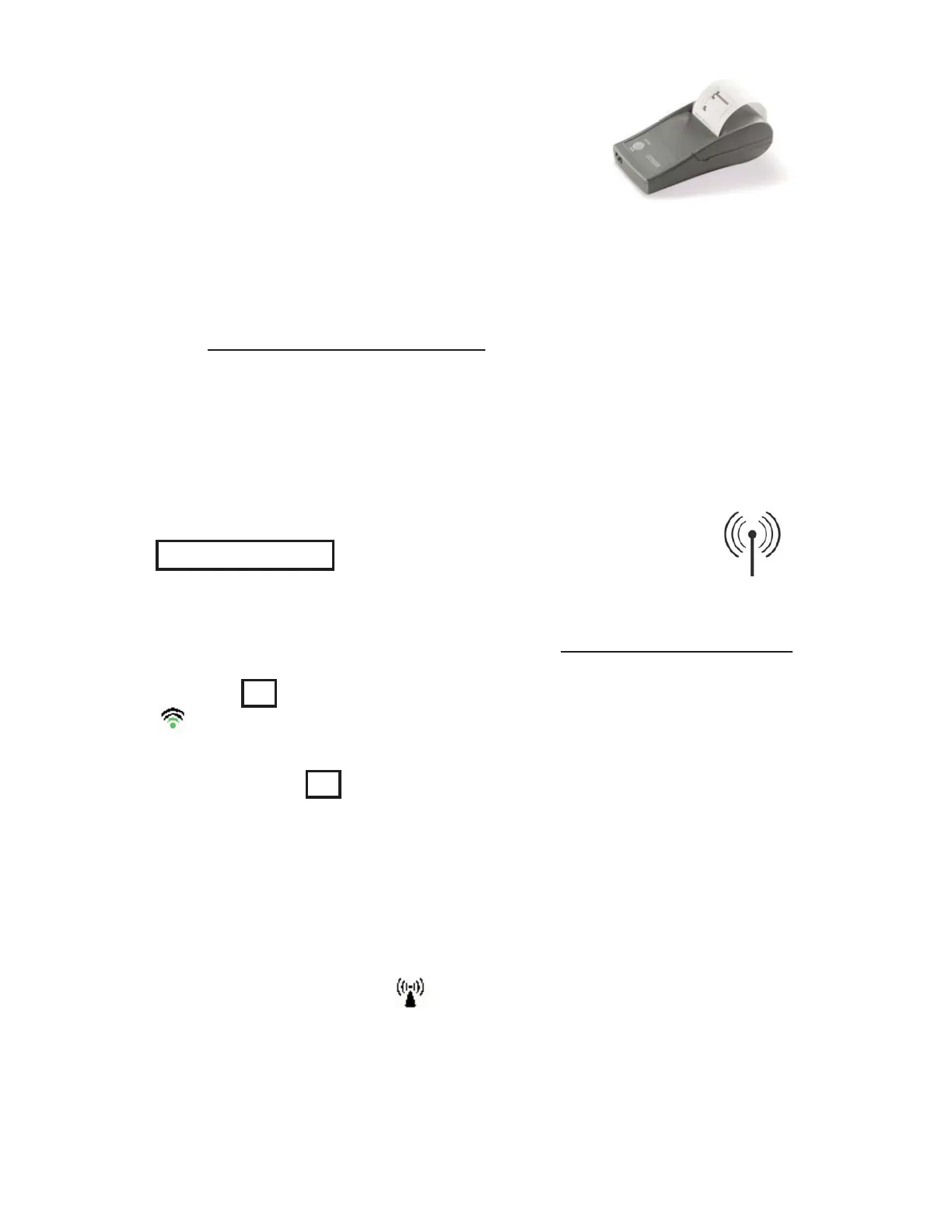
Bluetooth Wireless Printer
PosiTector Advanced models can output to
the optional battery powered Bluetooth
wireless printer one of two ways:
Stream individual readings as they are taken.•
Print stored batch readings and summaries.•
Begin by entering the Connect > Bluetooth menu. Turn Bluetooth
ON and “Pair” the PosiTector to the printer.
See: www.defelsko.com/bluetooth
Streaming: In the Connect > Bluetooth menu, select the Stream
tick box. All readings will now be simultaneously displayed on the
LCD and sent to the printer.
Printing: In the Memory menu, select Print.
Allows wireless communication with devices such as tablets,
smart phones and computers connected to your local wireless
network or portable mobile hot spot. See www.defelsko.com/WiFi
WiFi
(Advanced models only)
On/Off : Turns WiFi functionality On. When selected, the
icon will appear on the display. To deactivate WiFi, select Off.
Access Point : Connect your smart device/computer to a
PosiTector Advanced body wirelessly without the need for a
separate network. Wirelessly import readings into PosiSoft 3.0
Desktop Software (pg. 24) or access PosiSoft Mobile (pg. 26) in
the field or whenever a WiFi network is not available or
out-of-range.
To enable, select Access Point from the Connect > WiFi menu.
The Access Point icon will display in the upper left of the
PosiTector display.


 To Next Page