51 52
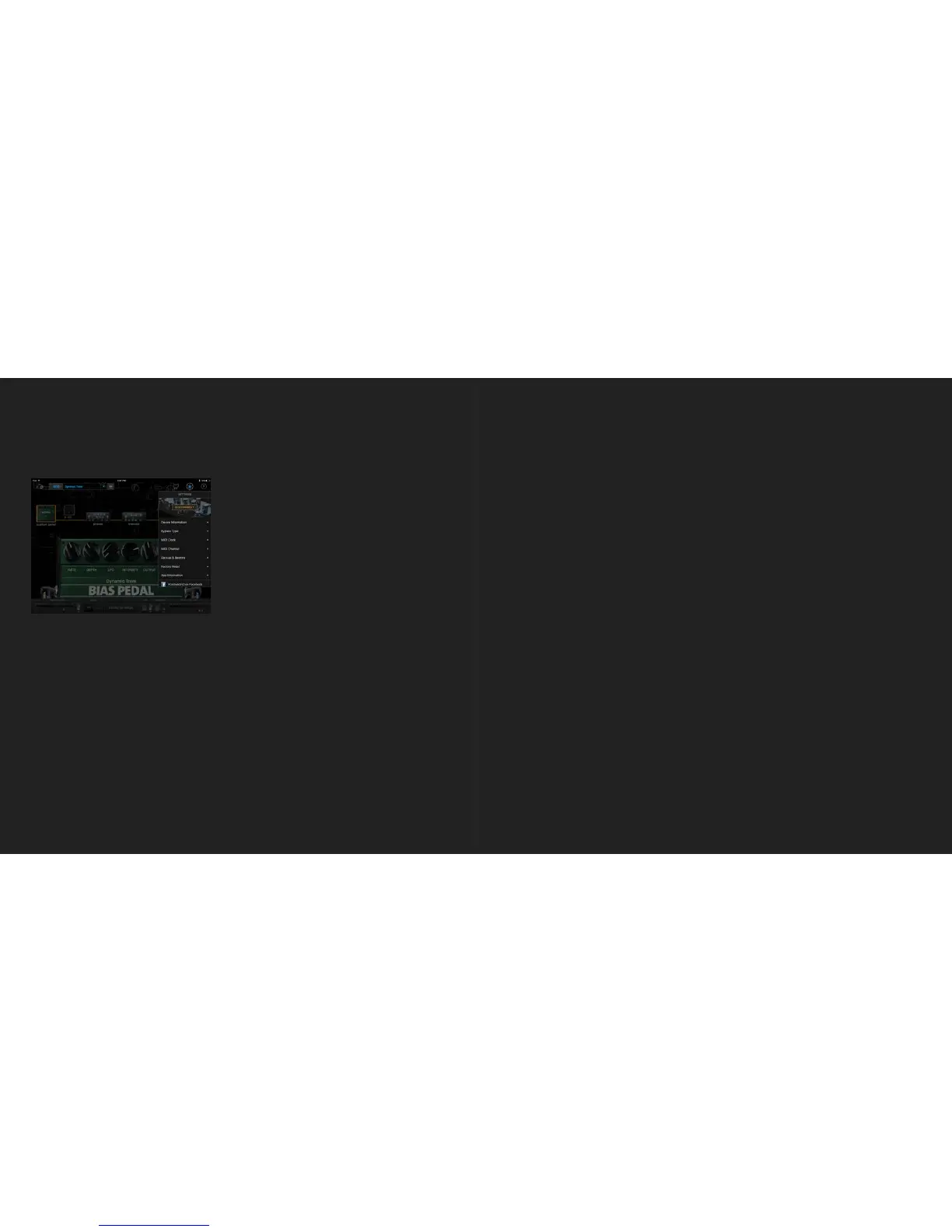
Device Setting Menu
・ Disconnect - Disconnects integration with BIAS Modulation.
・ Device Information - Checks the model type, serial number, device name and firmware
version. You can also rename your BIAS Modulation and upgrade the firmware here.
・ Bypass Type - Selects the bypass type for BIAS Modulation. To understand how bypass
works, see the Engage & Bypass section of this manual.
・ MIDI Clock - Enables or disables MIDI Clock.
・ MIDI Channel - Selects the MIDI channel for receiving MIDI commands.
・ Backup & Restore - Backup all presets for BIAS Modulation here, and store presets in BIAS
Pedal. You can also restore all presets to another device. You can backup up to 5 sets of
presets.
・ Factory Reset - Resets BIAS Modulation to its factory-default state. All presets, device
information and MIDI settings will be reset.
In Remote Mode, the settings menu will show all the settings for your BIAS Modulation.
Firmware Upgrade
Using BIAS Pedal, you can update BIAS Modulation with new features and bug fixes as they
become available. This allows BIAS Modulation to keep improving itself for better performance
and sound and more fun.
Go to Settings menu => Device Information => Firmware to check if there is a new version
available to install. BIAS Pedal will begin to update the firmware for BIAS Modulation . DO NOT
turn the power off or disconnect the pedal while the firmware update is running.
For more information and FAQs or to contact a support agent, please check our Help Center at:
https://help.positivegrid.com/hc/en-us



 To Next Page