EasyManua.ls Logo

Postek I Series - User Manual

Postek I Series
32 pages
Print Icon
To Next Page IconTo Next Page
Loading...
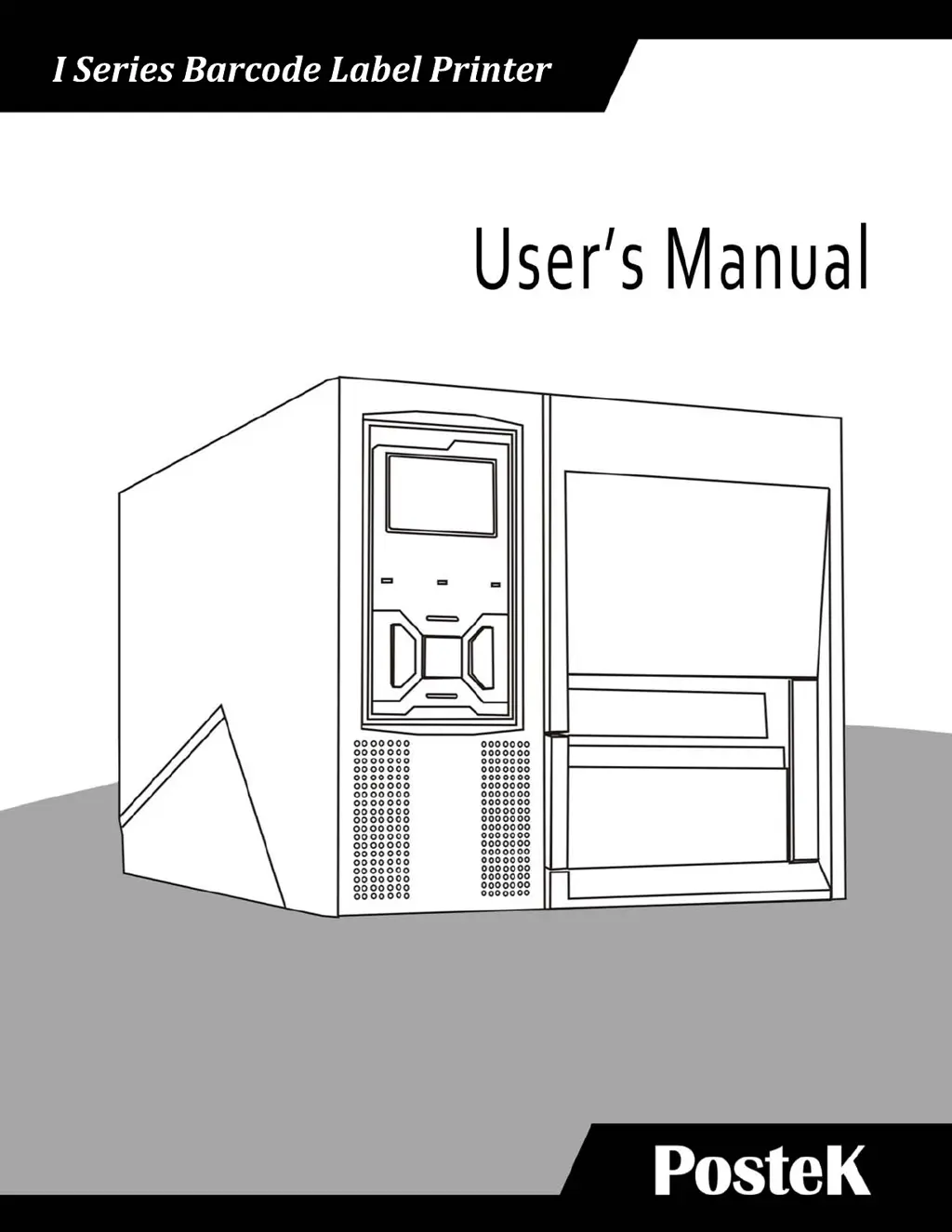
I Series Barcode Label Printer

Questions and Answers

  • A
    Andrew JohnsonAug 8, 2025
    Why does my Postek Label Maker print vertical blank lines?
    • L
      Lisa FaulknerAug 8, 2025
      If you observe vertical blank lines appearing on labels printed with your Postek Label Maker, the printhead may be dirty. Clean the printhead, following the recommended maintenance guidelines. If vertical lines persist after cleaning, contact an authorized POSTEK service provider for assistance.
  • J
    Justin MartinezAug 13, 2025
    Why are the READY and MEDIA lamps blinking together on my Postek Label Maker?
    • T
      Travis Moore MDAug 13, 2025
      To resolve simultaneous blinking of the READY and MEDIA lamps on your Postek Label Maker, consider the following: * Ensure the media is loaded correctly. * Verify the media sensor's position to detect the media gap or black line. * Calibrate the media sensor. * If using continuous media, check the settings in your label software. Other potential causes include the media running out (load a new roll), a media jam (clear the jam), incorrectly positioned or uninstalled Media Roll Guides (install them correctly and press firmly), or a broken media sensor (in which case you should contact an authorized POSTEK service provider).
  • K
    Karen BradleyAug 17, 2025
    How to improve poor printing quality on a Postek Label Maker?
    • A
      Alyssa DavisAug 17, 2025
      If you are experiencing poor printing quality with your Postek Label Maker, you can try the following: * Adjust the print darkness and speed settings in the driver under Printing Preferences/Options Tab. * Clean the Printhead and the platen roller. * Consider that low-quality ribbon or media may be the cause. Try using higher quality ribbon and media.
  • K
    Kenneth SchwartzAug 21, 2025
    What to do if I get a Printer Timeout Error Message on my Postek Label Maker?
    • D
      daniel85Aug 21, 2025
      To resolve the 'Printer Timeout Error Message' on your Postek Label Maker, check the interface cable for a proper connection and ensure that the printer is powered on.
  • K
    kayla53Aug 25, 2025
    What does it mean when the READY and RIBBON Lamps blink simultaneously on a Postek I Series Label Maker?
    • R
      Ricky HudsonAug 26, 2025
      The READY and RIBBON lamps blinking simultaneously on your Postek Label Maker usually indicates that the ribbon has ran out (load a new roll) or the ribbon is jammed (clear the jam). If the issue persists, it may be due to a Ribbon Sensor error. In this case, contact an authorized POSTEK service provider for technical support.
  • K
    kim52Aug 30, 2025
    What to do if data is sent but my Postek I Series is not printing?
    • P
      Paige Guerrero DDSAug 30, 2025
      If your Postek Label Maker is sending data but not printing, ensure that the correct driver is chosen in the label software and reset the printer.
  • M
    Michelle GrahamSep 3, 2025
    What does it mean when only the READY Lamp blinks on my Postek I Series Label Maker?
    • B
      Brad WalkerSep 3, 2025
      When only the READY lamp blinks on your Postek Label Maker, it indicates a serial I/O error or a memory overflow. For a serial I/O error, check the DIP switches for the baud rate settings. For memory overflow: * Restart the printer. * Reset the printer.

Postek I Series Specifications

General IconGeneral
Print MethodThermal Transfer
Max. Print Width4.09" (104 mm)
Memory8 MB Flash
Media TypeRoll feed, die-cut, continuous, fan-fold, tags, ticket
Media Width1" (25.4 mm) ~ 4.64" (118 mm)
Media Thickness0.0024" (0.06 mm) ~ 0.01" (0.25 mm)
Media Roll DiameterUp to 127 mm (5 inches)
Ribbon Length300 m (standard)
Ribbon Core Diameter1" (25.4 mm)
InterfacesUSB
Power100-240V AC, 50/60 Hz
Operating Temperature5°C to 40°C
Storage Temperature-20°C

Related product manuals