I Series User’s Manual Chapter 3: Operations and Settings
4
Chapter 2: Setup and Use
Setting up the Printer
Before setting up the printer consider the following:
1. Make sure there is adequate space around the printer for loading consumables and proper ventilation.
2. Make sure the printer is close to the host so the interface cable is easily accessible at either end.
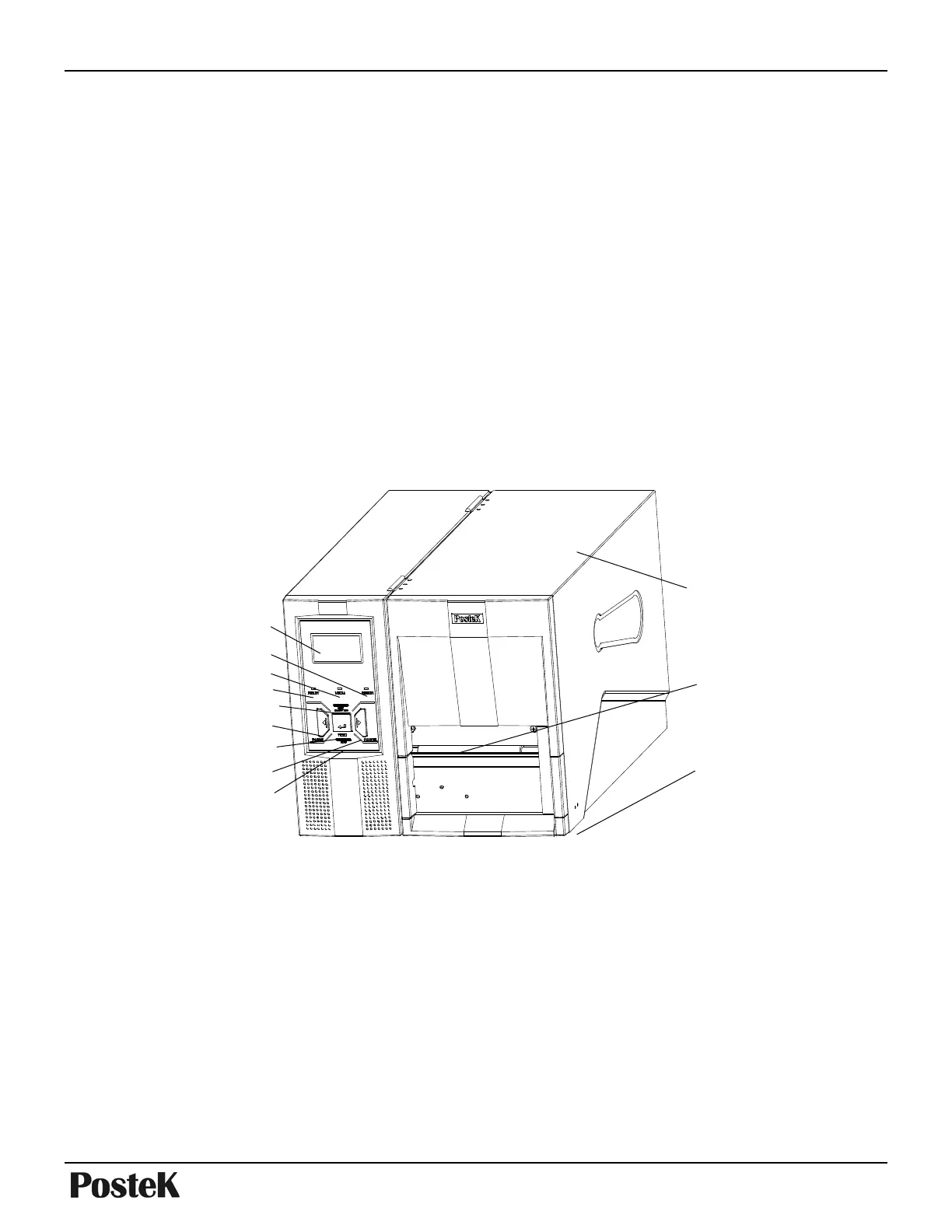
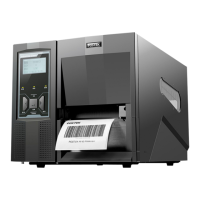
Main Parts and Structures
Figure 2
1. MENU Button 5. Media Calibration 9. LCD
2. CANCEL Button 6. READY Indicator 10. READY Indicator
3. FEED Button 7. MEDIA Indicator 11. Media Outlet
4. PAUSE Button 8. RIBBON Indicator 12. Cover Handle
2
6
1
4
3
7
8
12
11
10
9
5


 To Next Page