EasyManua.ls Logo

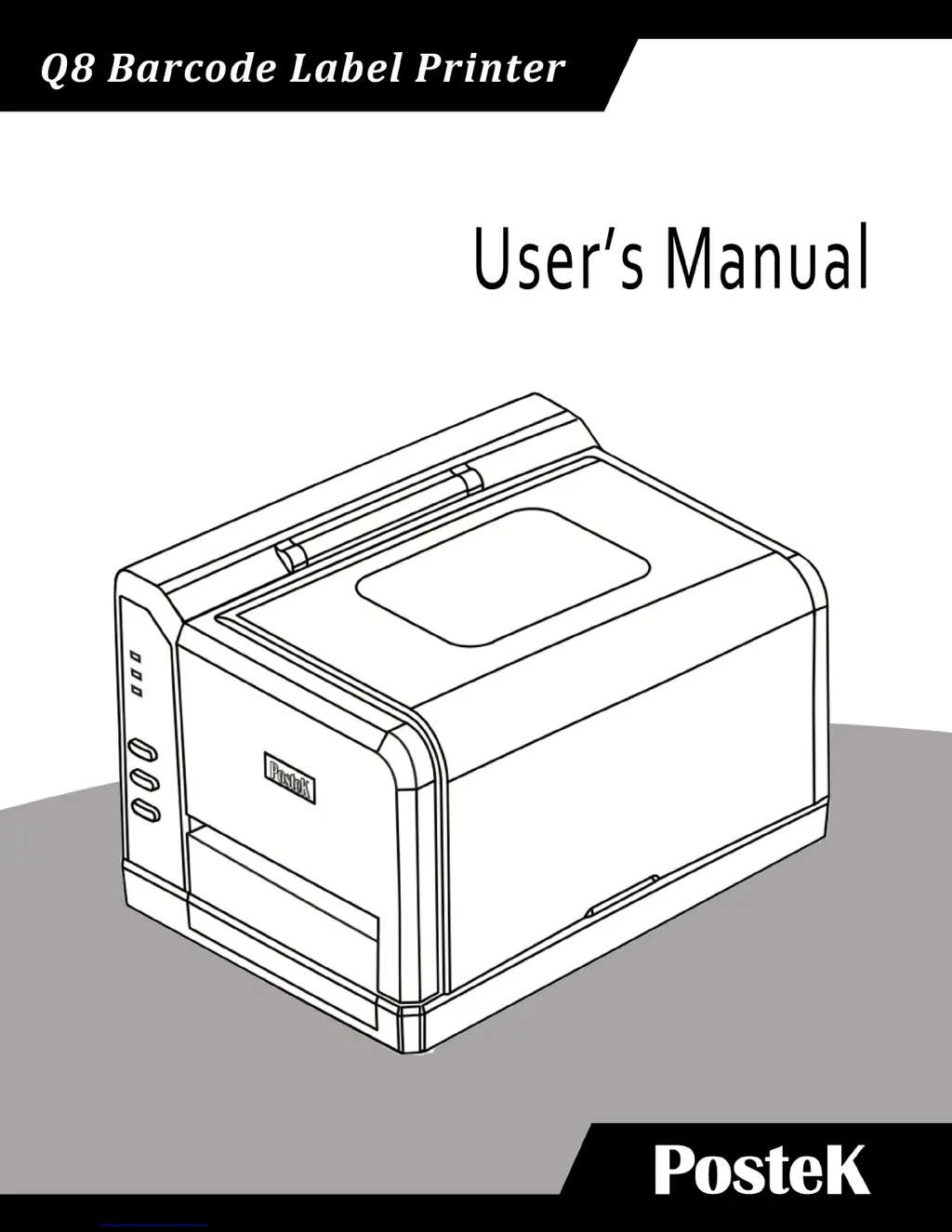
Postek Q8 - User Manual

Postek Q8
39 pages
Print Icon
To Next Page IconTo Next Page
Loading...

Questions and Answers

Summary

FCC Notice

Trademarks and Copyright

Lists product trademarks and copyright information for POSTEK and Microsoft.

Legal Disclaimer

States limitations of warranty and manufacturer liability for product use and potential issues.

Important Safety Instructions

Preface

Important Notice, Read Me First!

Crucial information regarding printhead care and avoiding damage, with warranty implications.

Chapter 1: Introduction

Technical Specifications

Details printer specs like method, resolution, speed, width, length, memory, media, ribbon, fonts, barcodes, sensor, interfaces, power, weight, dimensions, environment, and optional items.

Power Adapter Specifications

Details input voltage, frequency, output voltage, current, and operating environment for the power adapter.

Packing List

Lists items included in the printer's shipping carton, such as guides, printer, adapter, cables, spindle, and CD-ROM.

Chapter 2: Setup and Use

Setting up the Printer

Provides initial considerations and steps for setting up the printer, including space and cable access.

Main Parts and Structures

Identifies and labels the key physical components and structural elements of the printer.

Connecting the Printer

Details the process of connecting the printer to a power source and host device, including warnings.

Interface Connection

Explains how to establish USB and RS-232 serial connections for communication with a computer.

Installing the Ribbon

Provides step-by-step instructions and warnings for correctly installing a thermal transfer ribbon.

Loading the Media

Guides users on how to load media rolls into the printer for different operating modes.

Peel-off Mode Operation

Details the specific steps and settings required to operate the printer in Peel-off mode.

Cutting Mode Operation

Explains how to enable and use the printer's cutting function with appropriate media loading.

Adjusting Media Sensor Position

Provides instructions on how to adjust the media sensor for accurate label detection.

Chapter 3: Operations and Settings

Basic Operations

Covers fundamental controls including the power switch, front panel layout, and indicator lamp meanings.

Button Functions and Modes

Explains the functions of the Feed/Calibration, Pause/Self Test, and Cancel/Reset buttons in different operational modes.

Advanced Operations

Details advanced procedures like Media Sensor Calibration and performing a Self Test.

Factory Default Settings Reset

Outlines the steps to restore the printer to its original factory default configuration.

DIP Switch Panel Configuration

Describes the location and function of the DIP switches on the printer's back panel for configuration.

Driver and Software Installation

Discusses printer compatibility with Windows OS and the included PosLabel software, including download sources.

Chapter 4: Maintenance

Cleaning the Printhead

Provides instructions and warnings for cleaning the printhead to maintain print quality and longevity.

Cleaning the Platen Roller

Details the procedure for cleaning the platen roller to remove debris and ensure proper label feeding.

Cleaning the Printer Interior

Advises on periodic cleaning of the printer's interior to prevent dust and debris accumulation.

Chapter 5: Troubleshooting

Error Indicators and Solutions

Explains how to interpret LED indicator patterns for common printer errors and their causes.

Common Printing Issues

Addresses common printing problems like vertical blank lines, timeout errors, no printing, and poor print quality.

Printer Recovery Procedures

Describes how to clear alarms and resume printing after resolving issues, or when to contact support.

Appendix A: IO Interface Specifications

RS232 Serial Interface Details

Details the DB9F connector pinout, host connections, baud rates, data format, and flow control for serial communication.

Appendix B: ASCII Table

ASCII Character Reference

Provides a reference table for ASCII character codes and their corresponding representations.

Postek Q8 Specifications

General IconGeneral
Resolution203 DPI
Power SupplyAC 100-240V, 50/60Hz
Print TechnologyThermal Transfer
Memory8 MB Flash
ConnectivityUSB, Serial, Ethernet
Media TypeRoll-fed labels
Media Width25.4 mm to 108 mm
Media Thickness0.06 mm to 0.25 mm
Supported Barcode TypesCode 39, Code 128, UPC-A, UPC-E, EAN-8, EAN-13, Codabar, QR Code, Data Matrix, PDF417

Related product manuals