Chapter 3: Setup and Use Q8 Series User’s Manual
19
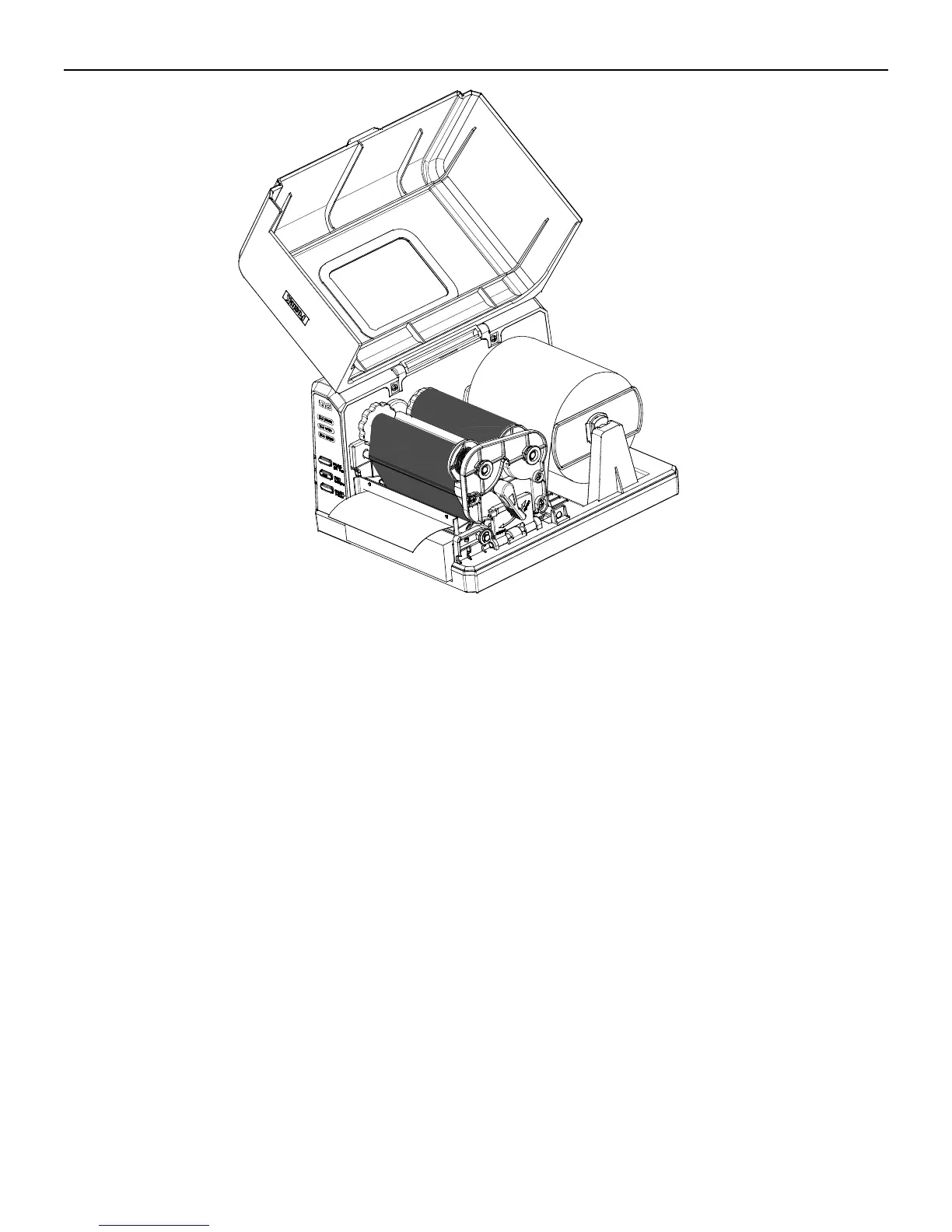
Figure 6-7
Adjusting the Position of Media Sensor
1. Lift the top cover (see Figure 7-1).
2. Turn the Handle to the “open” position; take out the Media Sensor Cover to expose the Media Sensor (Figure 7-2).
3. Check the location of Media Sensor (see Figures 7-3, 7-4 and 7-5).
4. Remove the media sensor cover, remove the screw, adjust the media sensor to the appropriate position, then fix the
screw back(Figure 7- 7)
5. Put back the media sensor cover.



 To Next Page