Chapter 3: Operations and Settings Q8 Series User’s Manual
26
Reset to Factory Default Settings
To reset the printer to factory default settings:
1. Press and hold the Cancel/
Reset button for 4 seconds, the three lamps will blink simultaneously (the printer will return
to normal state automatically if no operations are performed within 4 seconds);
2. Release and press the Cancel/
Reset button again;
3. The three indicators stop blinking and remain lit. The printer is now in its normal state.
Note: The printed label count and printed length may not be reset.
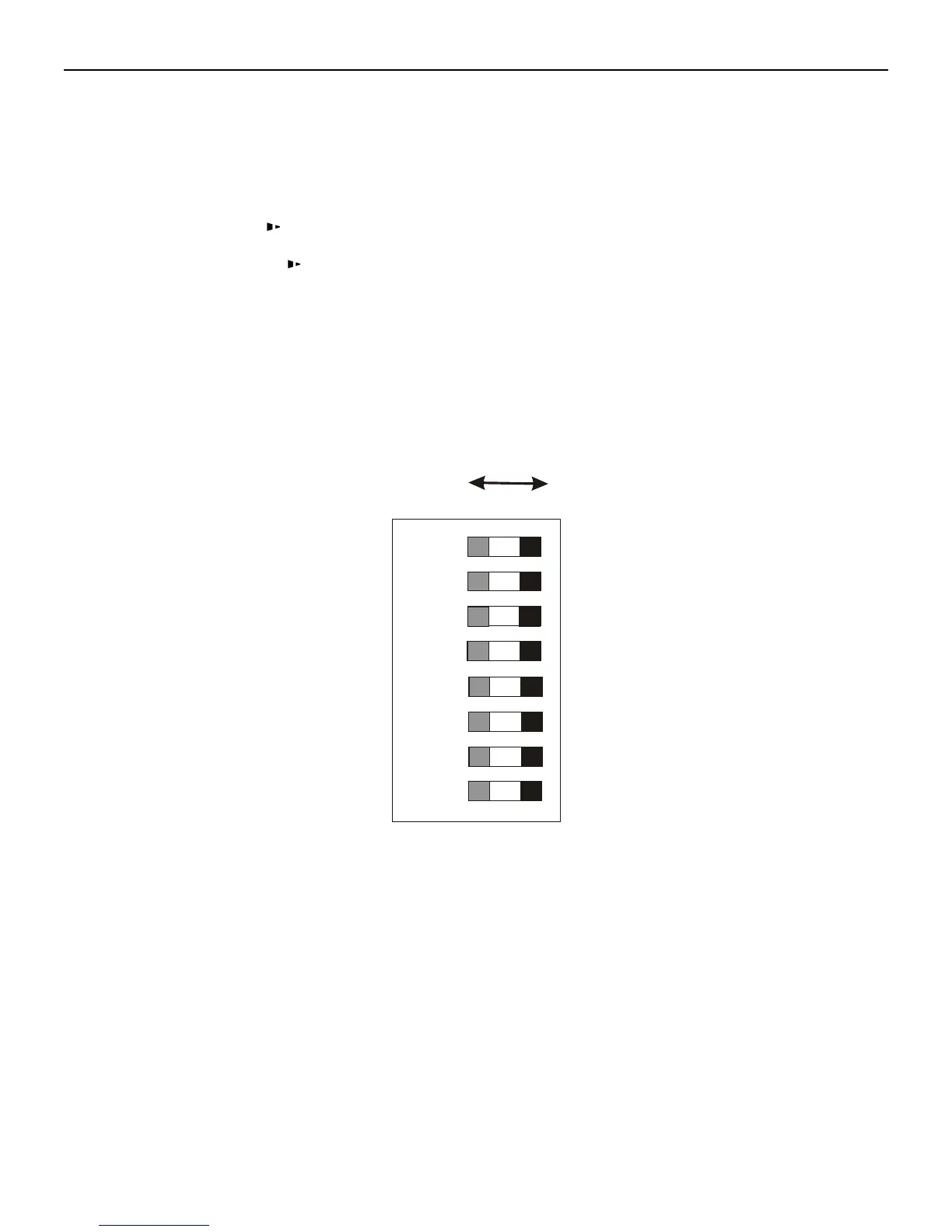
DIP Switch Panel
The DIP Switch panel is located on the back of the printer.
Note: Turn off the printer before setting DIP switches.



 To Next Page