Chapter 3: Setup and Use Q8 Series User’s Manual
5
Chapter 2: Setup and Use
Setting up the Printer
Before setting up the printer consider the following:
1. Make sure there is adequate space around the printer for loading consumables and proper ventilation.
2. Make sure the printer is close to the host so the interface cable is easily accessible at either end.
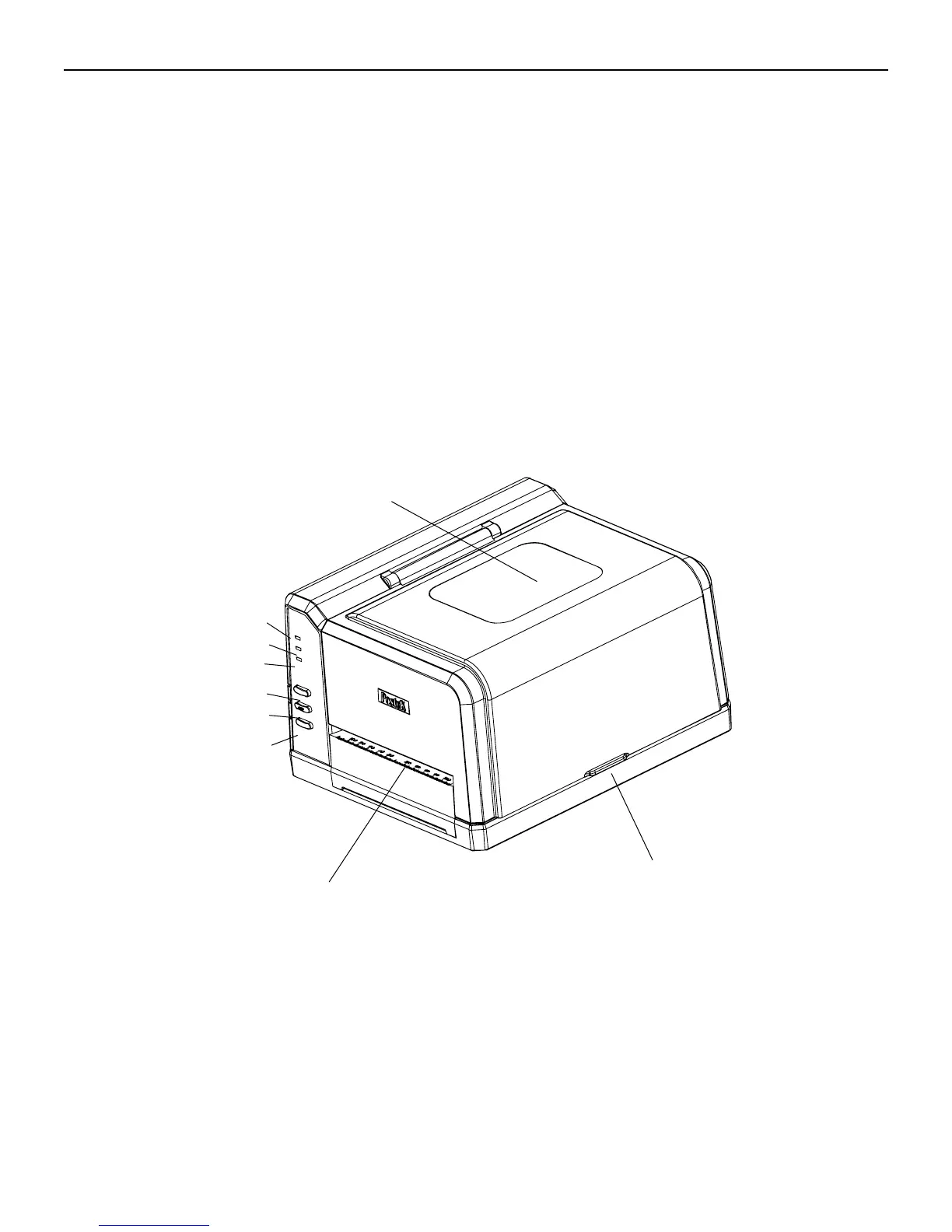
Main Parts and Structures
Figure 2
1.READY Indicator 4.PAUSE Button 7.Media Exit
2.MEDIA Indicator 5.FEED Button 8.Cover Handle
3.RIBBON Indicator 6.CANCEL Button 9.Observation Window
8
7



 To Next Page