Chapter 3: Setup and Use Q8 Series User’s Manual
16
Peel-off Mode
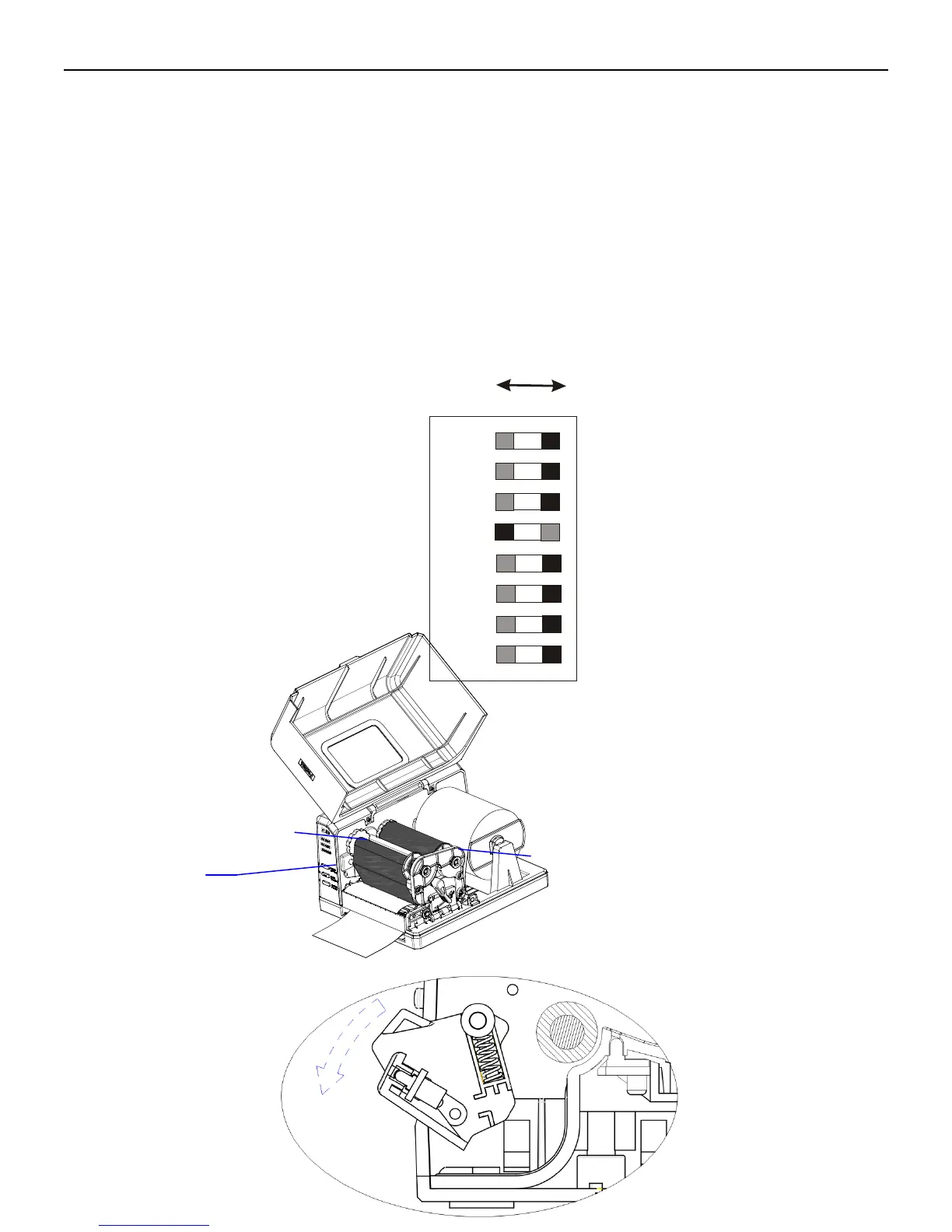
To load media into the Q8 while using Peel-off Mode:
1. Set the 4
th
DIP Switch to the ON position.
2. Turn on the printer.
3. Reset the Peeler Module: Press and hold the “Cancel” button for 4 seconds, until the 3 indicator lamps begin to blink
simultaneously. Release the “Cancel” button and press it again one more time. Reset is complete.
4. Load a roll of ribbon. Push the Peeler Module to the “Open” state. Route the media as shown, pull the liner to make
sure it is tight, and then turn the Peeler Module to the “Close” state. Peeler Module installation is complete (see
Figure 6-4 and Figure 6-5).
Figure 6-4



 To Next Page