Chapter 3: Setup and Use Q8 Series User’s Manual
18
Cutting Mode
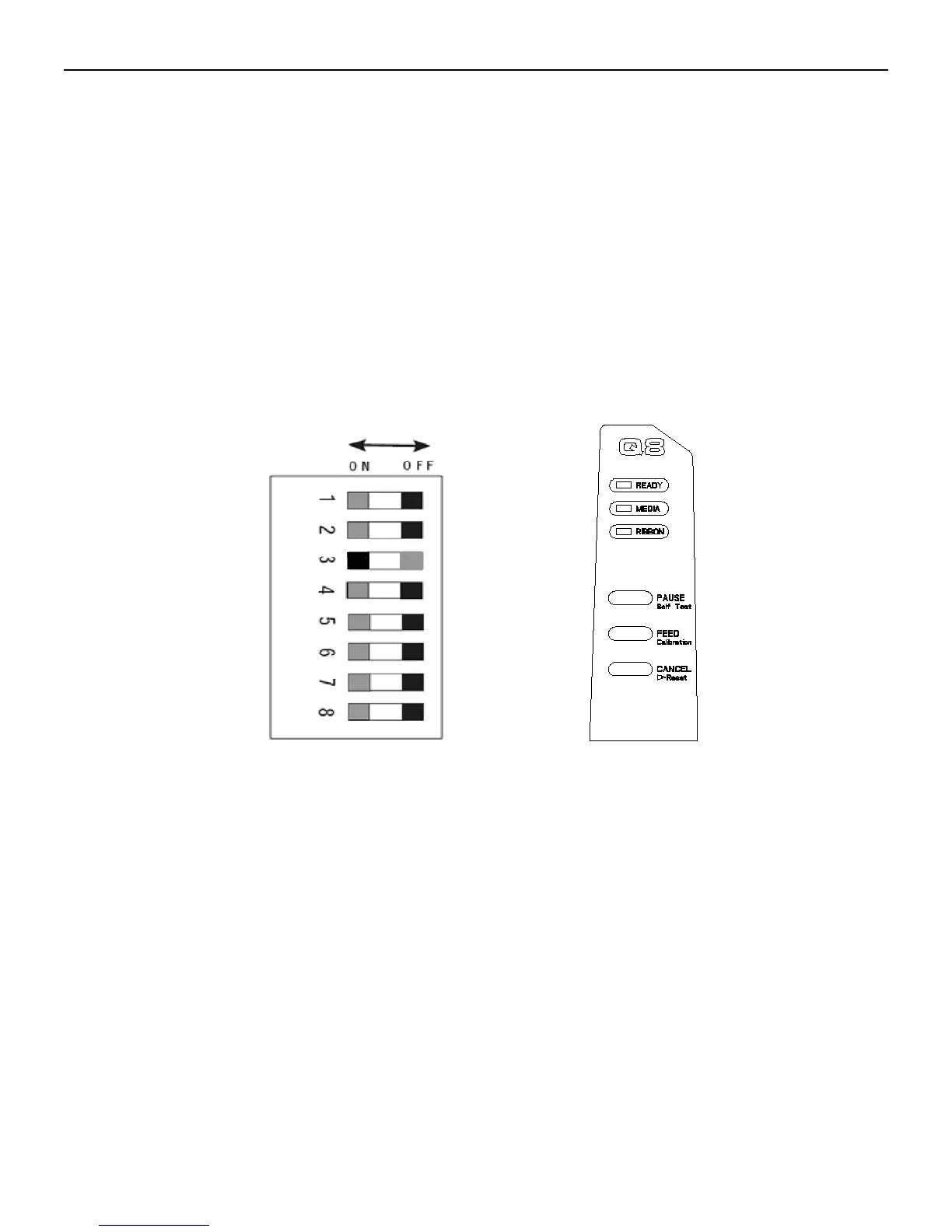
1. Set the 3
rd
DIP Switch to ON to enable the cutter function (see Figure 6-6).
2. Turn on the printer.
3. Reset the Cutter: Press and hold the “Cancel” button for 4 seconds, the three lamps will blink simultaneously.
Release and press the “Cancel” button again, the Cutter is ready to use (see Figure 6-6).
4. Turn the Handle to the “open” position, and flip down the Printhead Module Plate. Lead the labels through the
Cutter, then close the Printhead Module Plate, and turn the Handle to the “close” position. Media roll is loaded (see
Figure 6-7).
Remarks: It is a must to reset the cutter before loading media, or else, the wrong location of cutter blade will cause
label fail to go through the cutter.
Figure 6-6



 To Next Page