Chapter 5: Troubleshooting Q8 Series User’s Manual
31
Miscellaneous
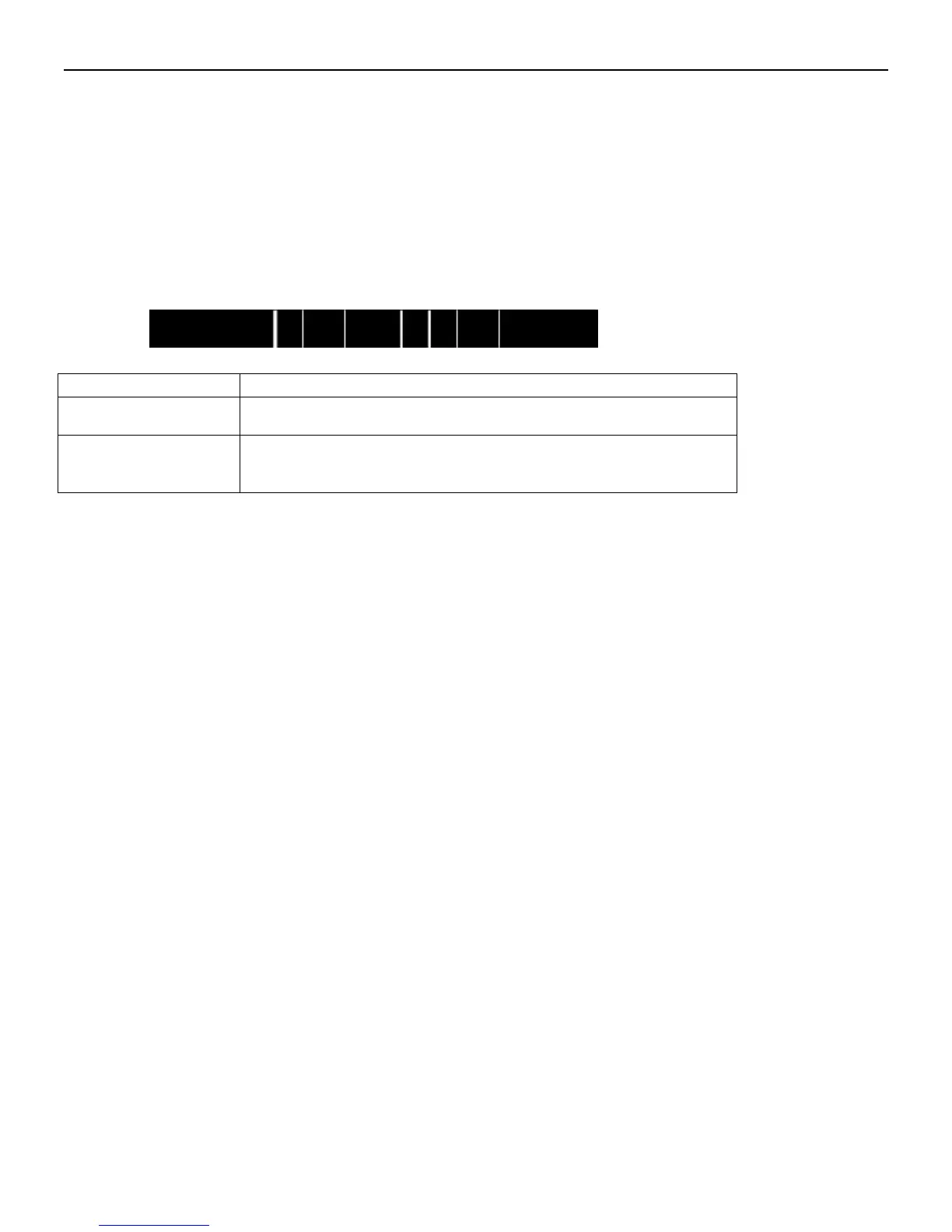
Vertical Blank Lines Appear
If the printer prints vertical blank lines as shown in the below picture, it may be due to a dirty or defective Printhead. See the
table below for possible causes and solutions.
Cause
Corrective Action
The Printhead is dirty.
Clean the Printhead. Follow the recommended maintenance guidelines
for cleaning the Printhead.
Vertical lines still appear
after cleaning the
Printhead.
Contact an authorized POSTEK service provider for technical support.
Printer Timeout Error Message
Execute following corrective actions:
1. Check the interface cable for proper connection.
2. Ensure the Q8 printer is powered on.
If the trouble still exists, please contact an authorized POSTEK service provider for technical support.
Data Sent but Not Printing
1. Ensure the correct driver is chosen in the label software.
2. Reset the Q8 printer.
If the trouble still exists, please contact an authorized POSTEK service provider for technical support.
Poor Printing Quality
When experiencing poor print quality, check the following:
1. Adjust print darkness setting value.
2. Adjust print speed setting value.
3. Clean the Printhead and the platen roller.
4. Poor quality printing may be caused from using a low quality ribbon. Change to higher quality ribbon.
5. Poor quality printing may be caused from using low quality media. Change to higher quality media.



 To Next Page