One-key takeoff/landing
● After the D88 unlocked, short-press the “ ” button (indicated as below), the aircraft will
automatically take off and hover at 1.5m altitude.
● When the aircraft is flying, short-press the “ ” button (indicated as below), the aircraft will
automatically land on the ground.
!
Attention: When the aircraft is not inserted with TF card or the TF card is malfunction,
photos and videos taking can not be done .
Photo/Video
Short-press the button indicated as below, the camera icon “ ” on the LCD screen flashes once,
the camera takes one photo;
Long-press the same button, the video icon “ ” on the LCD screen flashes slowly, the camera is
taking video. Long-press again will exit shooting.
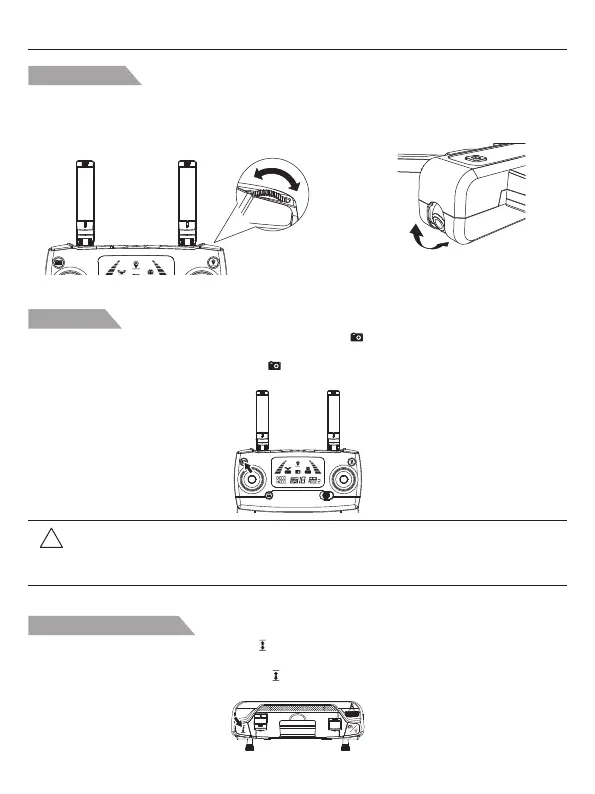
Gimbal trimmer
The camera angle can be adjusted within a 90 degree range by operating the gimbal trimmer. The
controlling directions shows on the following pictures.
A
A
B
B
The camera can be rotated by 90 degrees.
90°
Potenstic D88 User Manual
-16-



 To Next Page