EasyManua.ls Logo

Power Edge Pro - User Manual

Default Icon
16 pages
Print Icon
To Next Page IconTo Next Page
Loading...
1
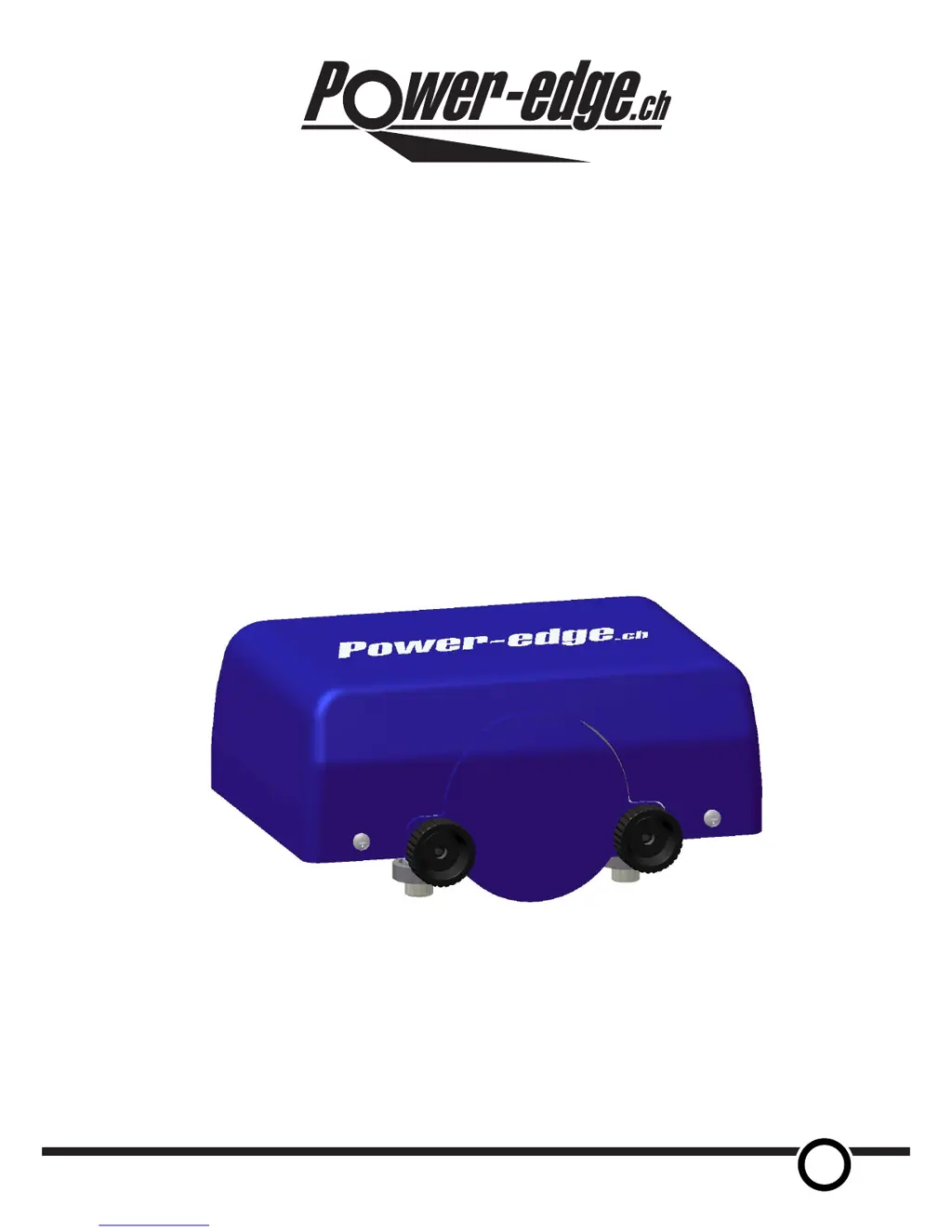
Power-edge Pro User Manual
Power-edge
Pro
User manual

Questions and Answers

Summary

Important Information

General Warnings and Cautions

Operating Parts

Setting Up

Connect the Power Supply to the Socket

Connect the adaptor main power supply plug into a 230/110 Volt outlet.

Connect the Power Supply to the Power-edge

Insert the adaptor's secondary plug into the corresponding socket on the Power-edge.

Using the Power-edge

Prepare Skis or Snowboard

Ensure sidewalls are recessed from the metal edge and edges are clean from wax and dirt.

Set the Grinding Angle

Adjust both angle-adjustment screws to the desired angle, ensuring they are set to the same value.

Position the Power-edge

Place the unit on the upturned ski/board with guide rollers on the base, clear of the edge.

Power On and Begin Grinding

Turn on the unit, engage the wheel, and move it along the ski/board edge at a steady speed.

Techniques and Tips

Repeat the process for sharpness, use different grit discs, and allow the unit to cool periodically.

Maintenance Operations

User Inspection

Check the Power-edge before each use for malfunctions and contact the manufacturer if necessary.

Cleaning the Grinding Disc

Clean the grinding disc by briefly touching its face with a wire brush while the unit is on.

Wheel Dressing

Re-flatten or dress the grinding wheel using a dressing stone or diamonds if it becomes damaged.

General Cleaning

Clean exterior surfaces with a damp cloth and mild soap; avoid harsh solvents or compressed air.

Cleaning and Lubricating the Shaft

Clean and lubricate the shaft periodically after ensuring the unit is disconnected from power.

Replacing or Reversing the Grinding Disc

Flip or replace the grinding disc when worn out by loosening retaining nuts and removing the disc.

Using Different Grinding Wheels

Utilize different grit grinding wheels to optimize grinding efficiency based on the material.

Handling, Transporting and Storage

Technical Data

Troubleshooting

Warranty

Warranty Exclusions

Lists conditions not covered by warranty, such as misuse, lack of maintenance, or professional use.

Address & Contact Information

Power Edge Pro Specifications

General IconGeneral
BrandPower Edge
ModelPro
CategoryTools
LanguageEnglish