INSTALLATION AND CONNECTION
3.3. Parameter Setting
There are some parameter groups used to configure the operation in a
communication network:
[G4 Inputs G4.1 Digital Inputs]
[G20 Communication Buses G20.0 Comms Control,
G20.2 Profibus].
3.3.1. Subgroup 4.1 – G4.1: Digital Inputs
Drive control modes need to be defined in order to cede the control
to the communication network.
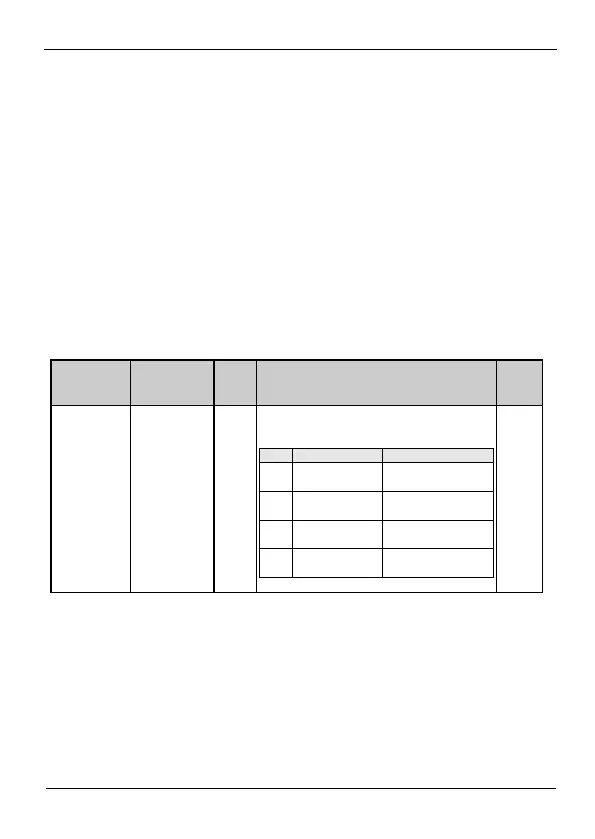
G4.1.1 / Main
Control Mode
It allows user to set the control mode for the drive
commands (Start/Stop, Reset, ...).
Ctrl mode 1 is not
operative
Drive is controlled by
keypad.
Drive controlled through
control terminals.
Drive controlled through
communication bus.



 To Next Page