INSTALLATION AND CONNECTION
G4.1.2 /
Alternative
Control Mode
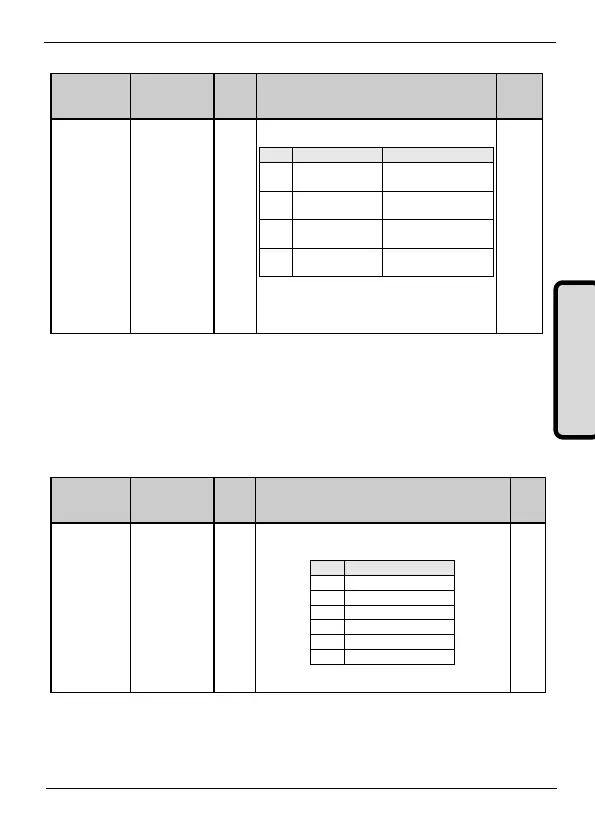
It allows user to set the control mode for the drive
commands (Start/Stop, Reset, ...).
Ctrl mode 2 is not
operative
Drive controlled by
keypad.
Drive controlled through
control terminals.
Drive controlled through
communication bus.
Note: Control mode 2 will be activated through digital
inputs exclusively. To use this set one of the digital
inputs to '17 CONTROL 2'. When this input is
activated, auxiliary control mode will be activated.
3.3.2. Subgroup 20.0 – G20.0: Communications Control
This subgroup specifies the communication module to be used.
Once previous parameters are set, the subgroup [20.0] will specify
the particular communication bus to use.
G 20.0.1 /
Communication
Module
Set the value according to communications network
controlling the drive
Note: This parameter is only functional after the boot up.



 To Next Page