WWW.POWERPROBETEK.COM
19
The wire end which trips the Power Probe circuit breaker
again is the shorted circuit and will lead you to the shorted
area. Follow the wire in the shorted direction and repeat this
process until the short is located. The Power Probe ECT3000
uses a wireless non-contact technique that guides you to the
short/open location.
FOLLOWING AND LOCATING SHORT
CIRCUITS
RED/GREEN POLARITY INDICATORS &
TONES
The “RED/GREEN Polarity Indicator” lights-up when the probe
tip voltage matches the battery voltage within ± 0.5 volts. This
means that if you contact a circuit that is not a good ground
or a good hot, you will see this instantly by the “RED/GREEN
Polarity Indicator” NOT lighting. The Audio Tone runs parallel
to the “RED/GREEN Polarity Indicator and will also NOT react
when contacting a circuit that does not match the battery volt-
age within ± 0.5 volts. This is a very useful function that auto-
matically alerts you of any excessive voltage drop in the circuit.
FLIP SCREEN FUNCTION
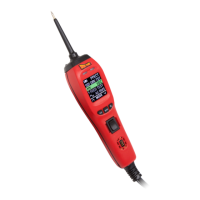
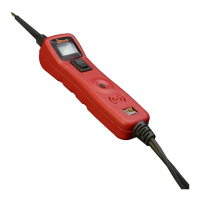
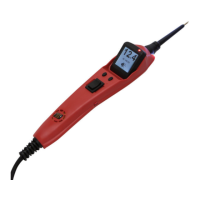
The PP3EZ has the adiitional ability to change the orientation
of the display screen. Press the right menu button to bring up
the menu, then use the left button to scroll to “FLIP SCREEN”
then press the right button again. The display screen will now
be inverted 180 degrees allowing the user to select either
display mode depending on the testing situation. Selecting
the “FLIP SCREEN” function again to restore the display to it’s
original orientation.


 To Next Page