17 GB/IE/NI
Hold the MODE button pressed down for
3 seconds in order to leave the Addition mode.
Displaying the last
measured values
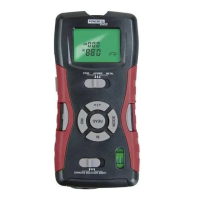
After you have measured a surface area or a
volume, press the READ button
4
repeatedly
in order to display the individual values of the
measurement.
The symbol of the corresponding measured
value flashes, and the measured result is
shown in the top line of the display.
Temperature display
Hold the FT/M button
3
pressed down for
approx. 3 seconds. The current room temper-
ature, in the official °C temperature unit, is
shown in the display
10
.
In order to switch over to the °F temperature
unit, press the FT/M button briefly.
Press the MODE button
8
briefly in order to
leave the temperature display mode.
Changing the unit of
measurement
Press the FT/M button
3
in order to switch
over from the official metric unit of measure-
ment to the imperial unit of measurement
(display in feet‘ and inches“).







 To Next Page