18 GB/IE/NI
Battery state display
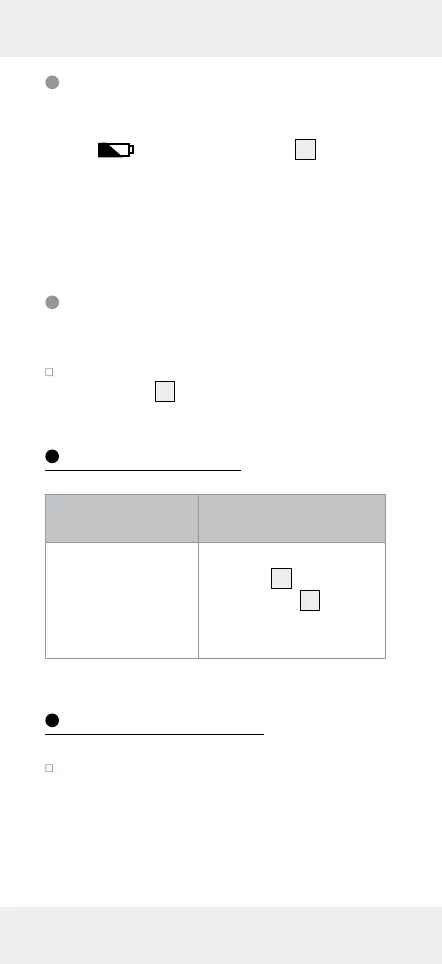
If the battery charge status is low, the battery
symbol
appears in the display
10
. Replace
the battery as quickly as possible, if this symbol
appears. Empty batteries can falsify the measured
result. The battery change is described in the
section “Inserting / changing the battery“.
Switching off /
Automatic shut-down
Switch the product off by holding the ON/
OFF button
9
pressed down for 3 seconds.
Troubleshooting
Error Possible causes
and solutions
If the product does
not react, electro-
static discharge can
affect the function
of the product.
Open the battert com-
partment
13
, press the
RESET button
12
with a
pointed object.
Cleaning and Care
The product should only be cleaned on the
outside with a soft dry cloth.







 To Next Page