Do not attempt to open enclosure for modification and service, there is no
serviceable parts inside the unit other than replacing the battery from front panel
compartment. Modification applied to this unit void product warranty.
CAUTION : BATTERY SAFETY
When replacing the batteries, use the same number and type of batteries. See
www.powershield.com.au for further information on replacement battery kit.
Do not dispose of batteries in a fire. The battery may explode. Do not open or
mutilate the battery. Released electrolyte is harmful to the skin and eyes.
A battery can present a risk of electric shock and high short circuit current.
This unit contains no serviceable components other than battery. Repairing of
the product must only be performed by qualified service personnel.
Following precautions should be observed before replacing batteries.
1. Remove watches rings and other metal objects.
2. Use proper tools with insulated handles.
3. Do not lay tools or metal parts on the top of batteries
4. Disconnect charging source prior to connecting or disconnecting battery
terminals.
5. Make sure that the UPS is turned completely OFF.
3. Package Contents
You should have received the following items inside of package:
- PowerShield Defender 1200/1600VA unit
- PowerShield Defender User’s Manual
- USB communication cable
- NetGuard CD monitoring software
Note: Before installation, please inspect the unit and make sure that no damages
have occurred during transit. If any damage is found, please notify your dealer.
Please keep the shipping materials in the event the product must be returned to
a repair centre for service.
4. Product Overview
PowerShield Defender will protect your computer, telephone system and other
electronics devices from various power disturbances including black and brown out.
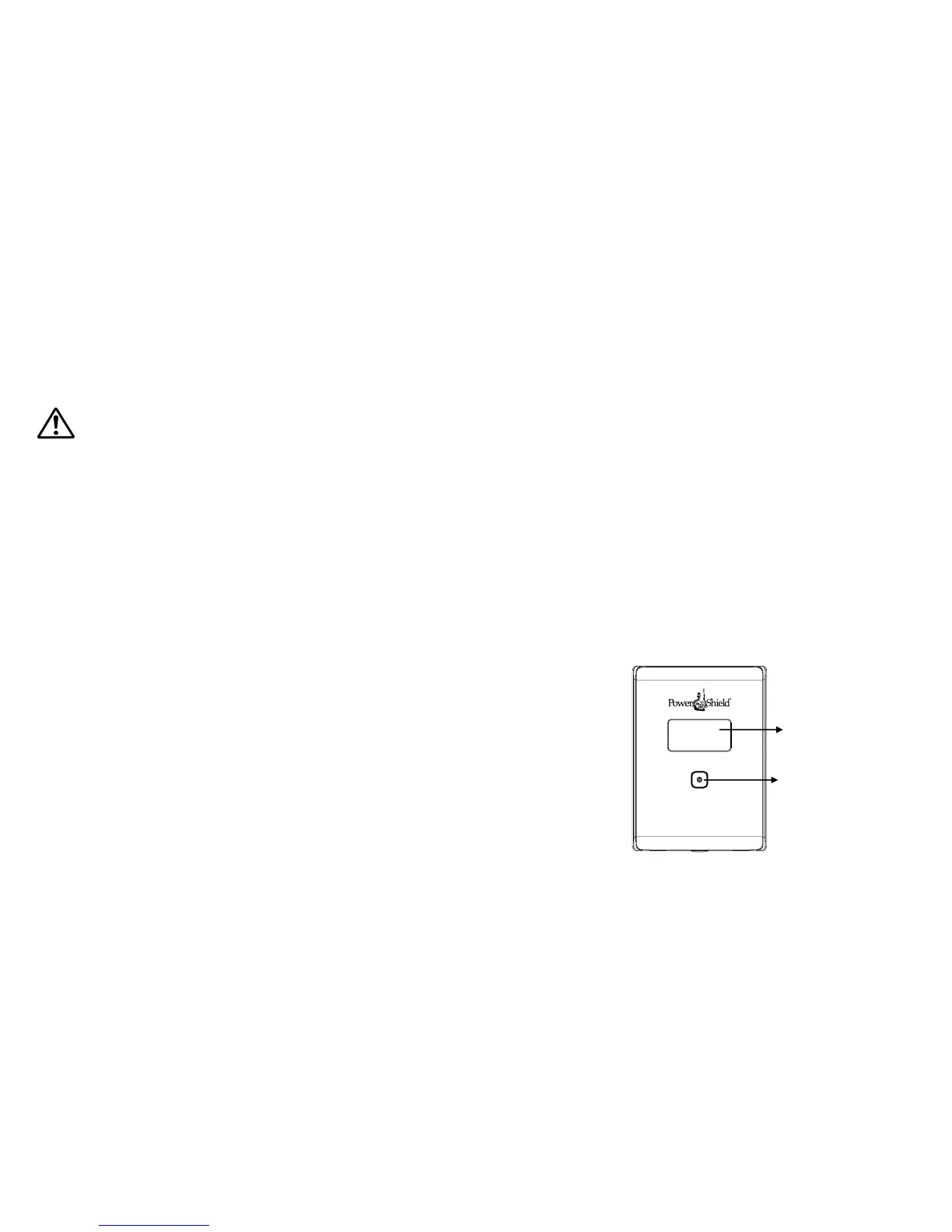
This product features user friendly LCD display that displays status of the product.
Front View :



 To Next Page