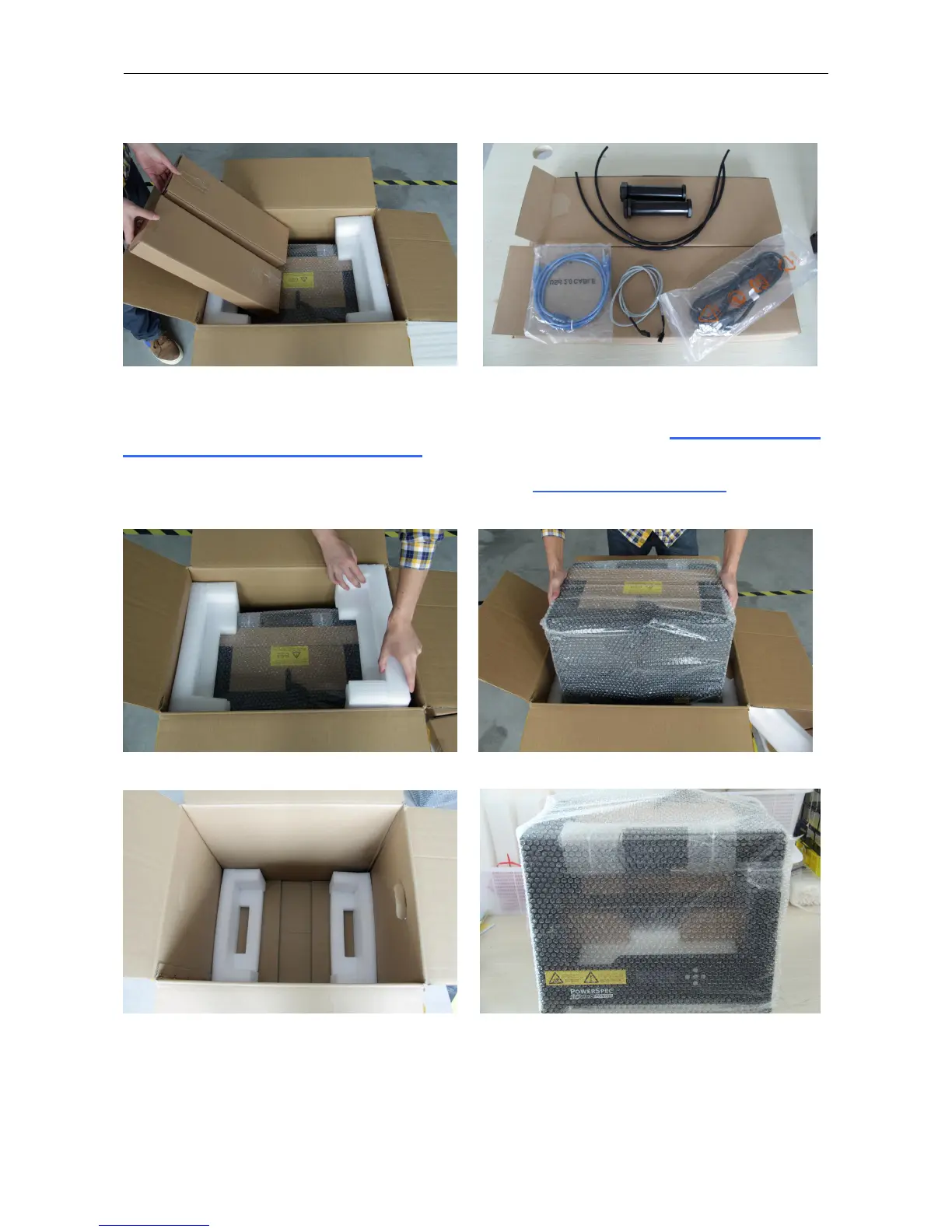
Then pull out the EPE foam packing that encloses the 3D Printer. Now you can see the top of the printer along with
more boxes inside. The large box with the black wire is the accessory box. This contains the dual extruder heads, SD
card and other important components. Don't remove the accessory box or its contents yet. Note: Do not lift the box
by the black cable! Doing so could cause damage.
Next, take the 3D Printer out of the box by grasping the outer frame. Be sure to grasp only the frame. Gently lift and
transfer the printer to your work surface.
Gently lay down the printer and open the bubble film as shown in next page.


 To Next Page