Pulse Function
Place both hands on the pulse sensors for 5 seconds, for the pulse to be calculated and
displayed on the screen
Heart signal flashes while the heart rate is being calculated.
Display range is 50-200 beats per minute.
The heart rate function is to be used as an exercise reference feature only and is not to
be relied on for accurate heart rate assessment and is not to be used for medical
purposes. Should you feel unwell, stop exercising immediately and contact your doctor.
Data Ranges
The range of the data that each window displays:
o Time:5:00 – 99.59(MIN)
o Distance: 1.0 – 99.9(KM)
o Calories 20.0 – 999 (C)
o Pulse: 50 – 199 (BPM)
Program Mode Training
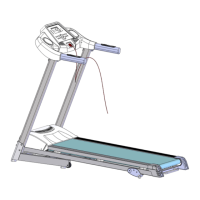
V30 Treadmill features 12 automatic training programs - P12 to P12. Each program has
a standard duration of 30 minutes (changeable) and applies different speeds 10 times
per each program. To use the programs
o Switch on the treadmill and press "Prog" to select the relevant program ("P1" will
be displayed"). To scroll through the programs continue pressing the "Prog"
button.
o To change program duration, use as needed between 5 and 99
minutes.
o Press "Start" button. Equipment counts down by 5 seconds, then the belt will
run.
o When the treadmill changes speed, a beep will be emitted.
o When a program has been completed, a beep will be emitted before the
equipment comes to a stop.
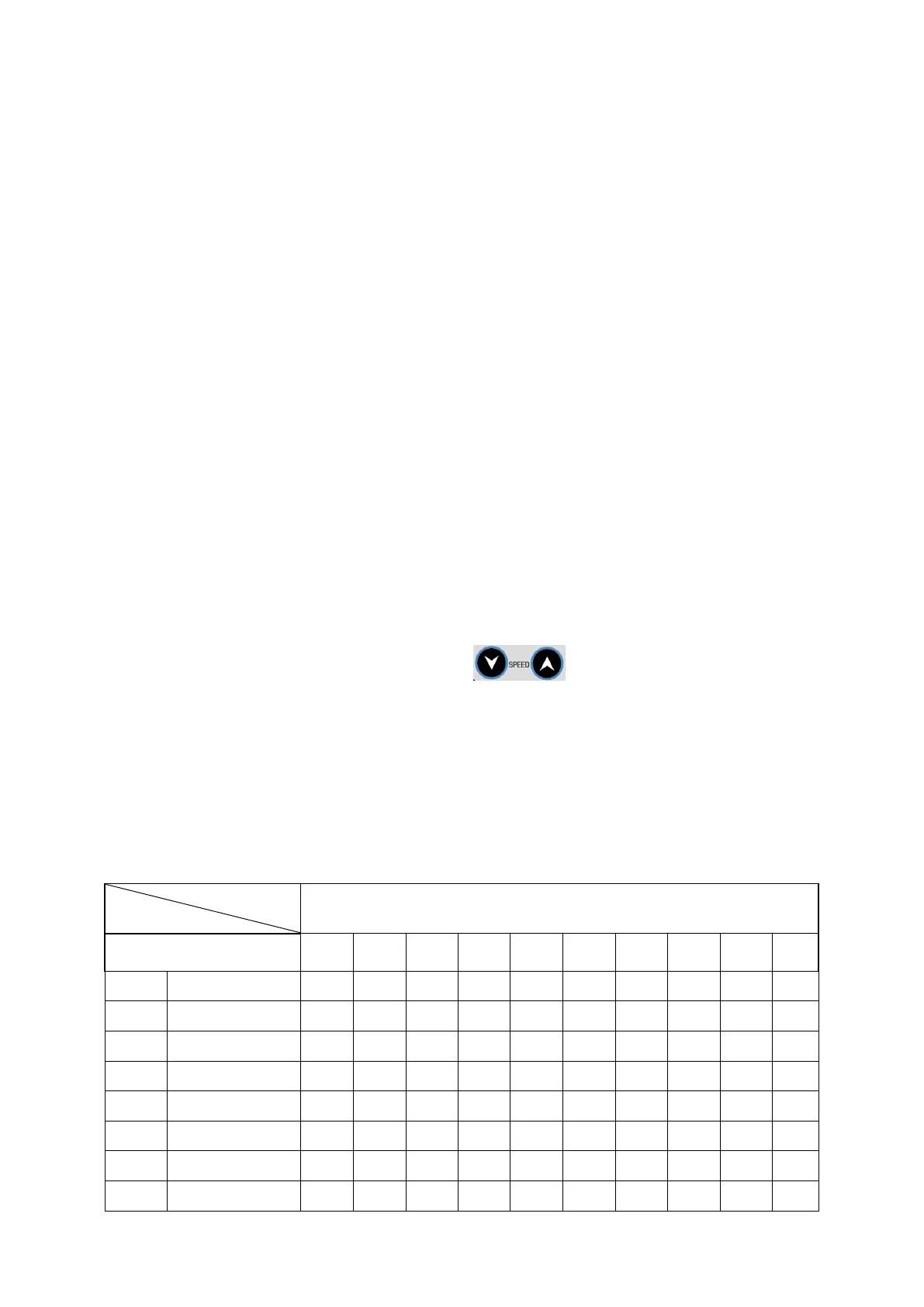
Programs tabled below.
Set time / 10 = Running time of each period


 To Next Page
 Loading...