User manual PowerXtreme X20/X30
E18-X20X30-EN00 www.emergoplus.com Page 13 of 25
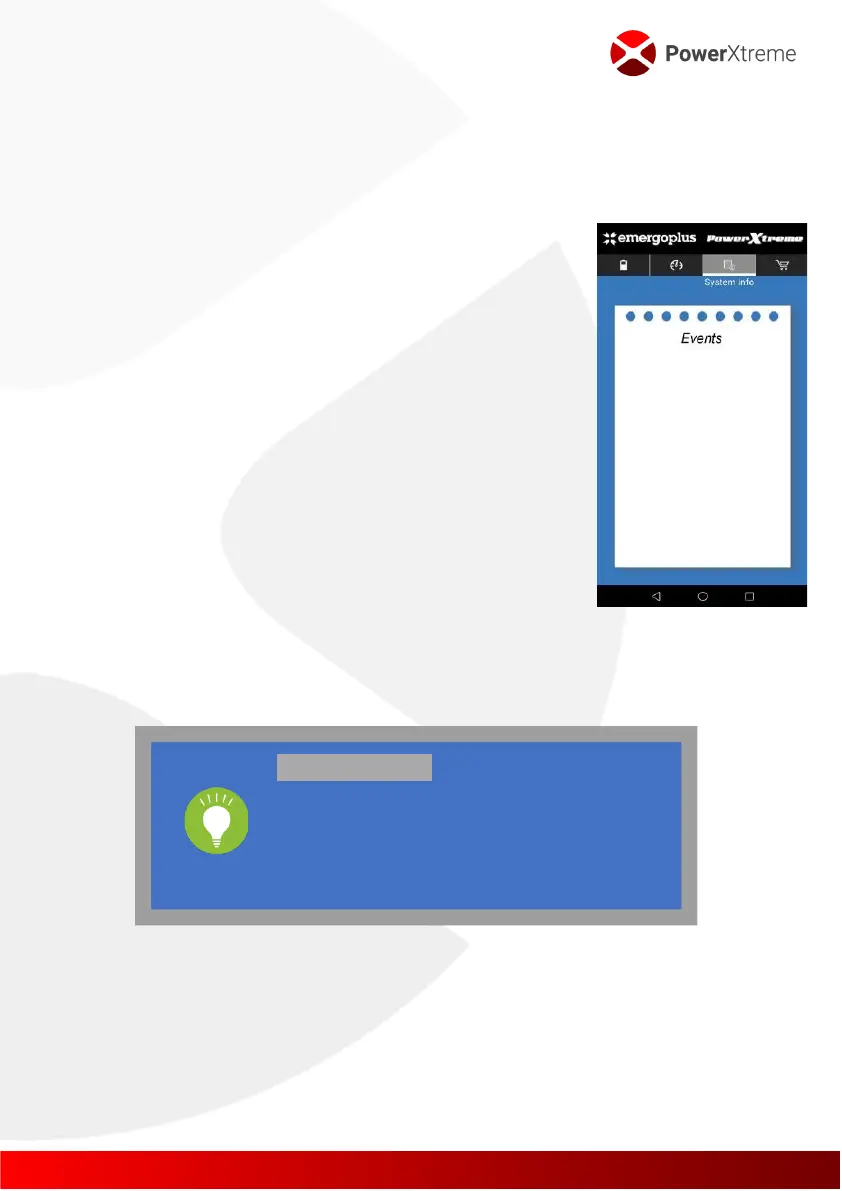
System Info tab
System info contains messages about events that occurred during the
charging or discharge process. This refers to the following events:
▪ Short circuit
▪ Lift up short circuit
▪ High temperature at charging
▪ High temperature at discharge
▪ Low temperature at charging
▪ Low temperature at discharge
▪ Overcurrent when charging
▪ Too much current when discharged
▪ High Voltage
▪ Low Voltage
▪ Temperature/Voltage/Current back to normal
▪ Display remaining charge time
The Buy Info tab
Please provide the contact details of EmergoPlus.
3.4 PowerXCharger XC3 (OPTIONAL)
To charge the battery while driving, the PowerXCharger XC3 is available as
an option. This converts the charging voltage of the car alternator into the
right charging voltage for the PowerXtreme battery. Due to the limited
PAY ATTENTION!
It is possible that the app displays a value that is
too low for the SOC (charge status) when the
battery has not been used for a longer period of
time. Once you have charged the battery, the SOC
display will be correct again.



 To Next Page