Xcelerators Owner’s Manual
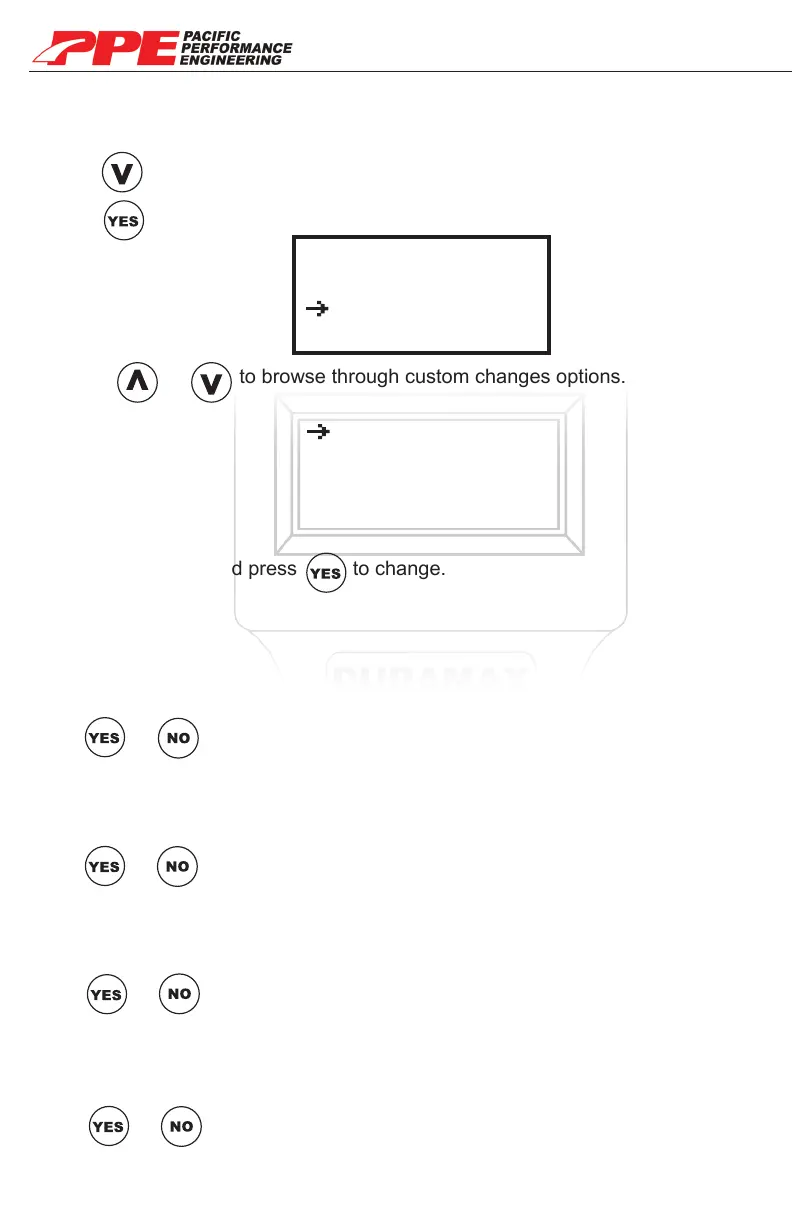
Use or to browse through custom changes options.
Choose option and press to change.
CUSTOM CHANGES
Custom changes can be modied after selecting power level when installing a
tune. Modify timing, Fuel, RPM increase, and De-Fueling.
Press go to “Custom Changes”.
Press to see custom changes menu options.
Yes Timing
Yes Fuel Added
Yes RPM Increase
Yes De-Fueling
Select Tune
Calibration
Custom Changes
Install Tune
Note: We recommend not moding these settings if you want maximum
performance and fuel economy. (Exception when stacking the PPE Xcelerator)
TIMING
Increase your vehicle’s timing.
Use or to toggle On or O (Yes/On No/O).
(Note: Pressing YES or NO will take you back to custom changes menu)
FUEL
Increase your vehicle’s fuel.
Use or to toggle On or O (Yes/On No/O).
(Note: Pressing YES or NO will take you back to custom changes menu)
RPM Increase
Increase your vehicle’s RPM.
Use or to toggle On or O (Yes/On No/O).
(Note: Pressing YES or NO will take you back to custom changes menu)
DE-FUELING (Hot+2 ET only)
Toggle De-Fueling On/OFF.
Use or to toggle On or O (Yes/On No/O).
(Note: Pressing YES or NO will take you back to custom changes menu)
15


 To Next Page