Xcelerators Owner’s Manual
Locate the OBD II diagnostic port on your vehicle.
(See page 6 for reference pictures)
TRANSMISSION RE-LEARN PROCEDURE
STEP 1
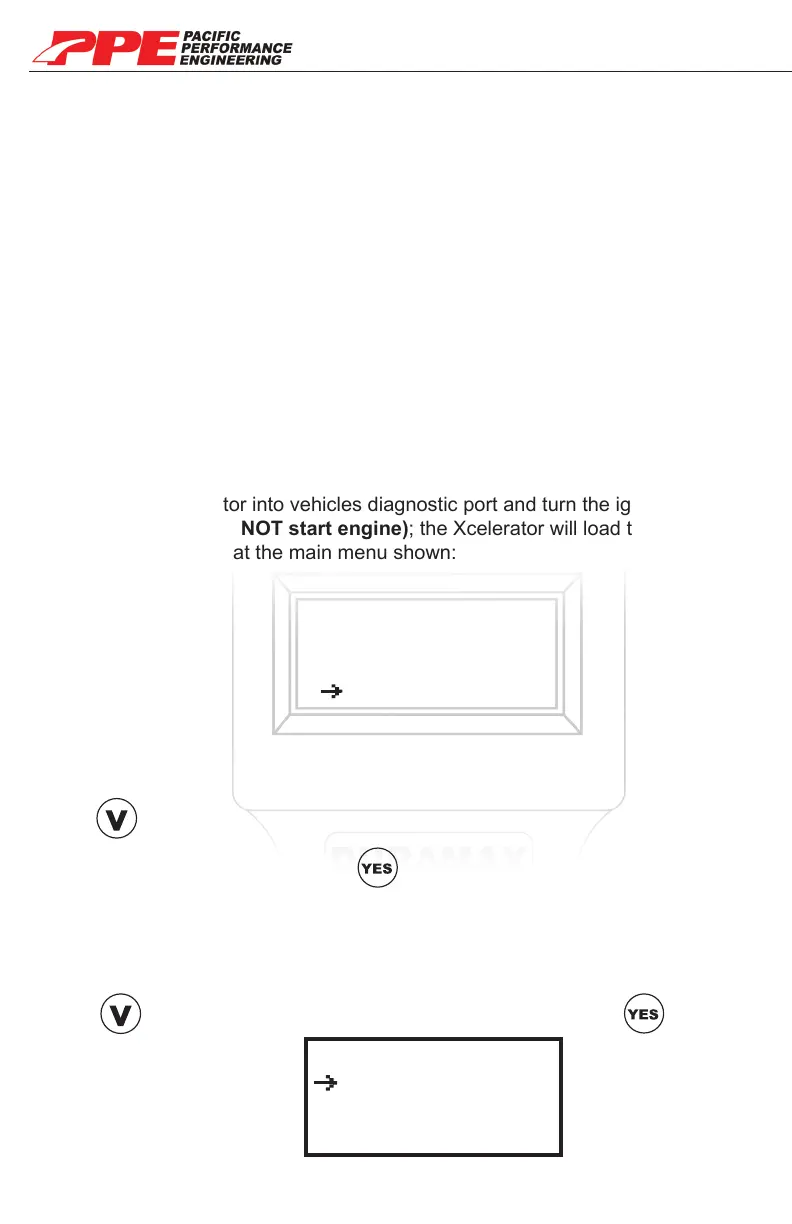
Connect the Xcelerator into vehicles diagnostic port and turn the ignition key to
the RUN position (DO NOT start engine); the Xcelerator will load through a few
screens and stop the at the main menu shown:
STEP 2
Tune Engine
Current Tuning
Data Scanning
Diag. Options
• Allows vehicle to reset transmission and rapidly adjust to new power levels
• Recommended after installing a new power level
• Recommended after installing any transmission upgrades (ie. Clutches,
Torque Converter, and Shift Kit)
• Transmission feels like it is not shifting properly
Selection arrow will be be on “Tune Engine” option.
Press on the keypad to go down to “Diag.
Options”(Diagnostic Options) press .
STEP 3
Get DTC’s
Reset Auto Tran
Back to Stock
Other Options
Selection arrow will be on “Get DTC’s” option.
Press on the keypad to go down to “Reset Auto Tran” press .
19


 To Next Page