P/N SM1222
Rev 6
Print Date 2/14/2018
4.3 – SET SENSOR POSITION
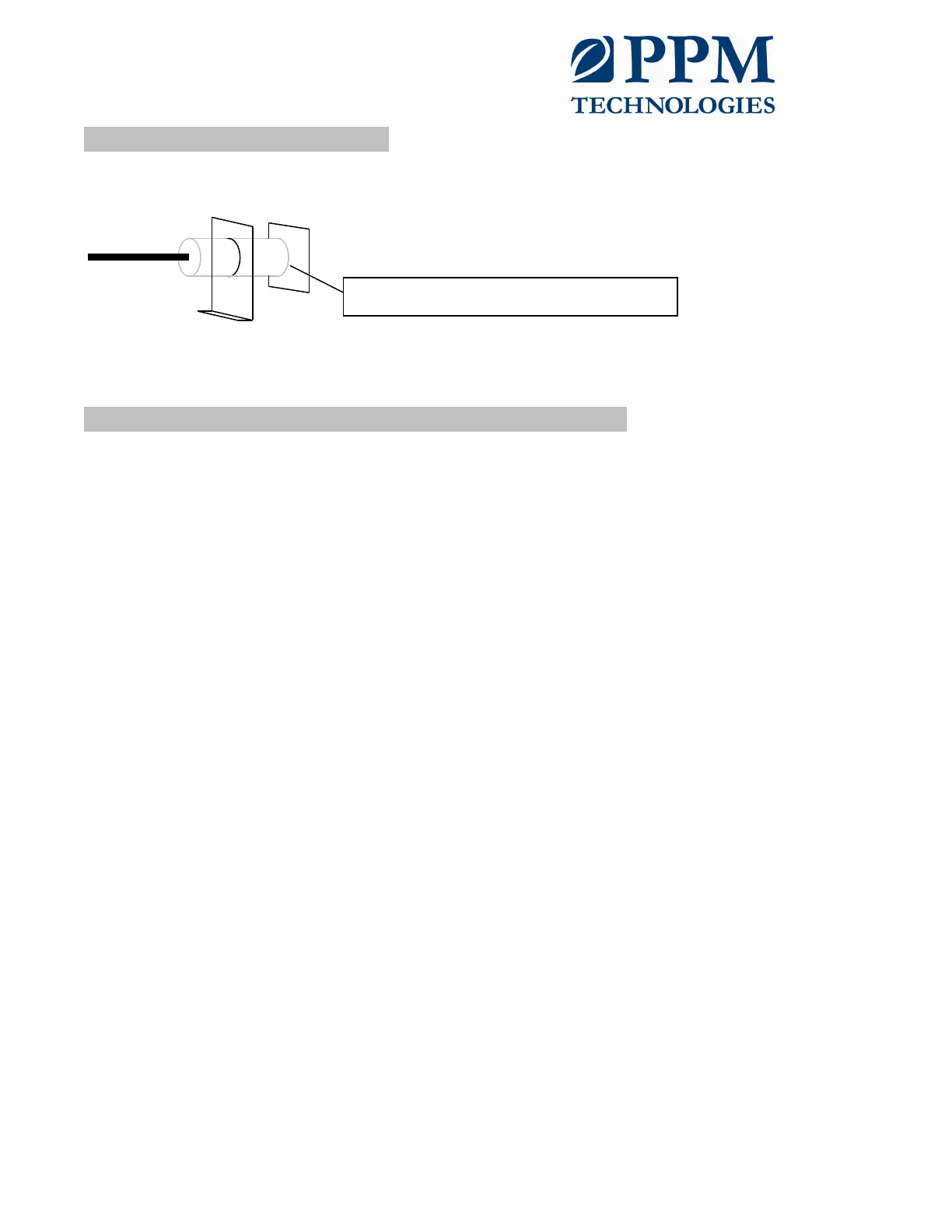
If using the older Gordon sensor (black in color), use menu C051 and adjust the sensor gap
until the reading C051=25
If using the newer PPM Accelerometer, no adjustment is needed and C051 can be ignored.
4.4 – RUN AUTOMATIC FREQUENCY SEARCH (AFS)
Before normal operation, the controller must perform an AFS to accurately find the resonant
frequency of the conveyor spring system. To do this, follow the following steps:
1. Turn the controller on so the conveyor is receiving a power signal
2. Adjust the stroke & power settings to:
a. Menu C038, A=0 (sets amplitude to 0)
b. Menu C038, P=10 (sets power to 10)
3. Double check the controller is setup to run in the natural frequency control mode by:
a. Menu C038, ACC=1 (closed-loop mode)
b. Menu C038, AFC=1 (automatic frequency control)
4. Menu C038, AFS, press up arrow (start frequency search)
The readout will show the frequency as the controller searches, when all three lines to the left
of the frequency stop blinking the controller has found the resonant frequency and will revert to
the normal run root menu.
NOTE: If the controller has a difficult time finding the resonant frequency, the following items
may help:
• Try increasing the set point (A) a small amount (by 5 or 10)
• If you know about what the resonant frequency is, try narrowing the frequency range
AFS can search (menu C040, parameters L & H)
• Reduce power limit (P)
Spacing between sensor and target 7/16” to 5/8"



 To Next Page