6
The power button functions are activated by pressing repeatedly
within a three second window:
1 press:
Turn unit on. The XM3 turns off
automatically after one hour.
3 presses: Turn unit on for three hours.
6 presses: Turn unit on for six hours.
7 presses:
Turn unit on. The XM3 will not turn itself off.
Press and hold: Turn unit off.
The unit will respond to button presses by flashing the
blue LED once for each hour it will stay on.
Additional power button functions:
2 presses:
Toggle flashlight mode.
5 presses:
Toggle LED dimming.
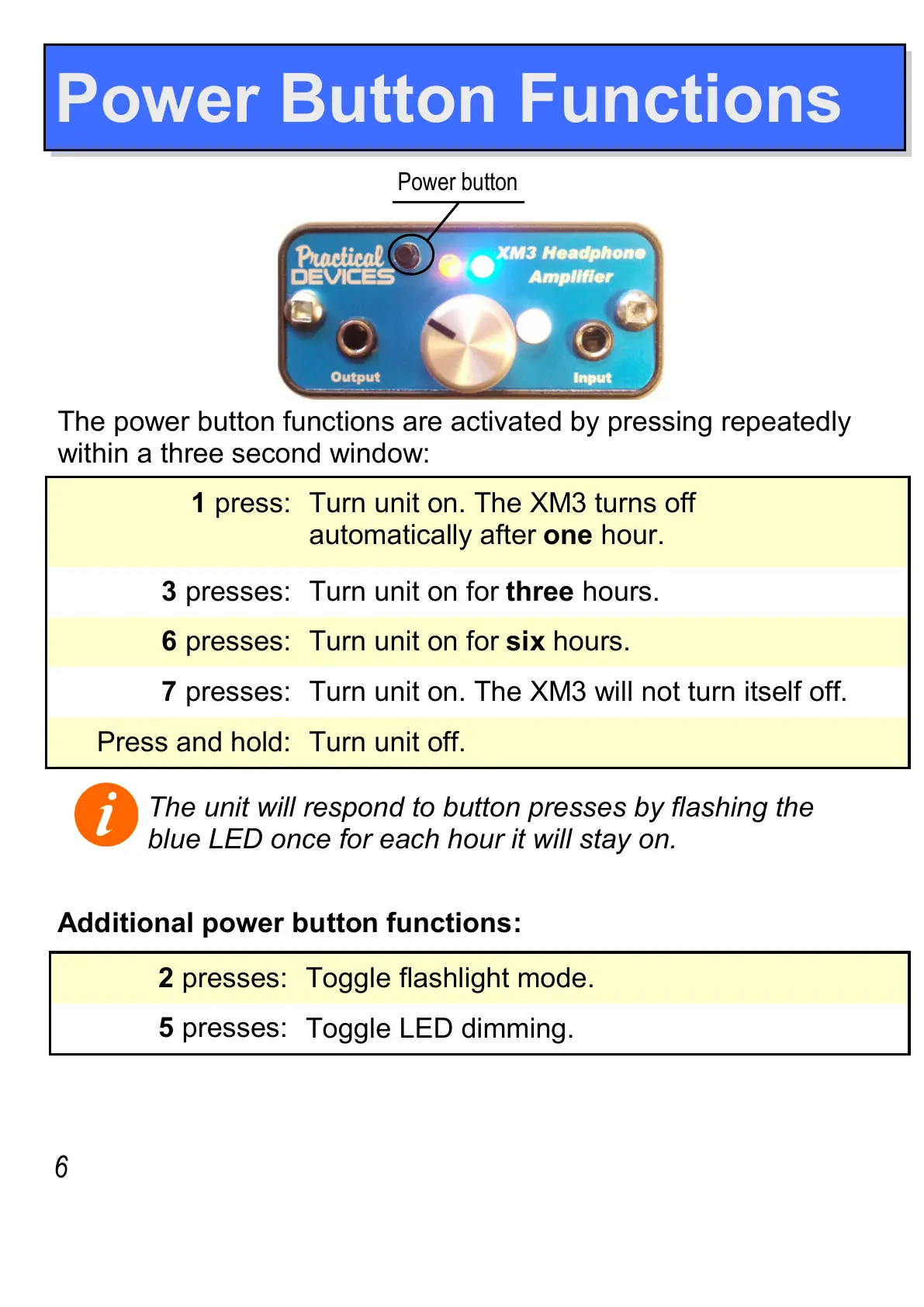
Power button
Power Button Functions


 To Next Page