CrossFeed Controls
The XM3’s Crossfeed circuit simulates the sound stage of
loudspeakers, through your headphones.
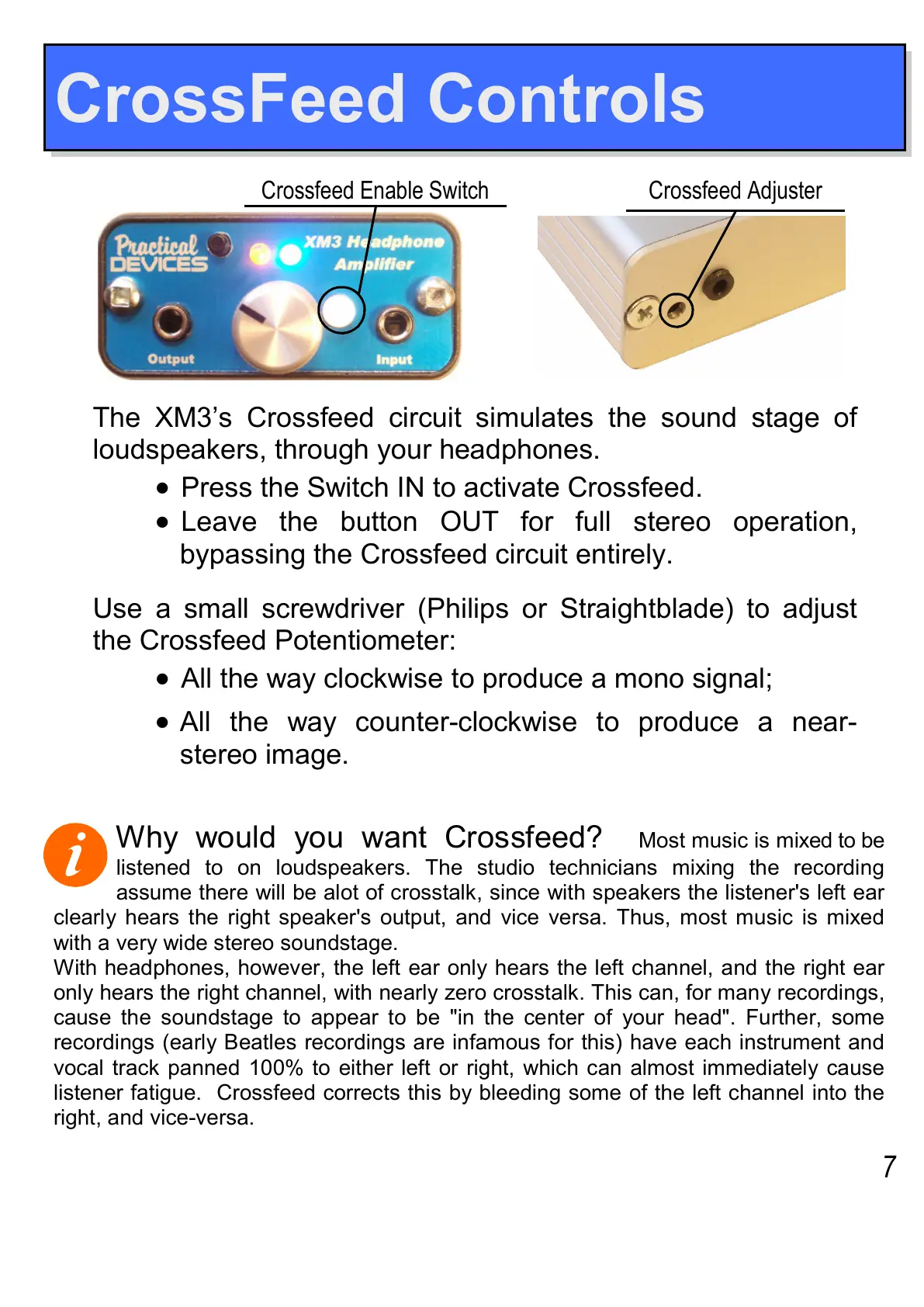
•
Press the Switch IN to activate Crossfeed.
•
Leave the button OUT for full stereo operation,
bypassing the Crossfeed circuit entirely.
Use a small screwdriver (Philips or Straightblade) to adjust
the Crossfeed Potentiometer:
•
All the way clockwise to produce a mono signal;
•
All the way counter-clockwise to produce a near-
stereo image.
Crossfeed Adjuster Crossfeed Enable Switch
Why would you want Crossfeed?
Most music is mixed to be
listened to on loudspeakers. The studio technicians mixing the recording
assume there will be alot of crosstalk, since with speakers the listener's left ear
clearly hears the right speaker's output, and vice versa. Thus, most music is mixed
with a very wide stereo soundstage.
With headphones, however, the left ear only hears the left channel, and the right ear
only hears the right channel, with nearly zero crosstalk. This can, for many recordings,
cause the soundstage to appear to be "in the center of your head". Further, some
recordings (early Beatles recordings are infamous for this) have each instrument and
vocal track panned 100% to either left or right, which can almost immediately cause
listener fatigue. Crossfeed corrects this by bleeding some of the left channel into the
right, and vice-versa.
7


 To Next Page