Replacing the Battery
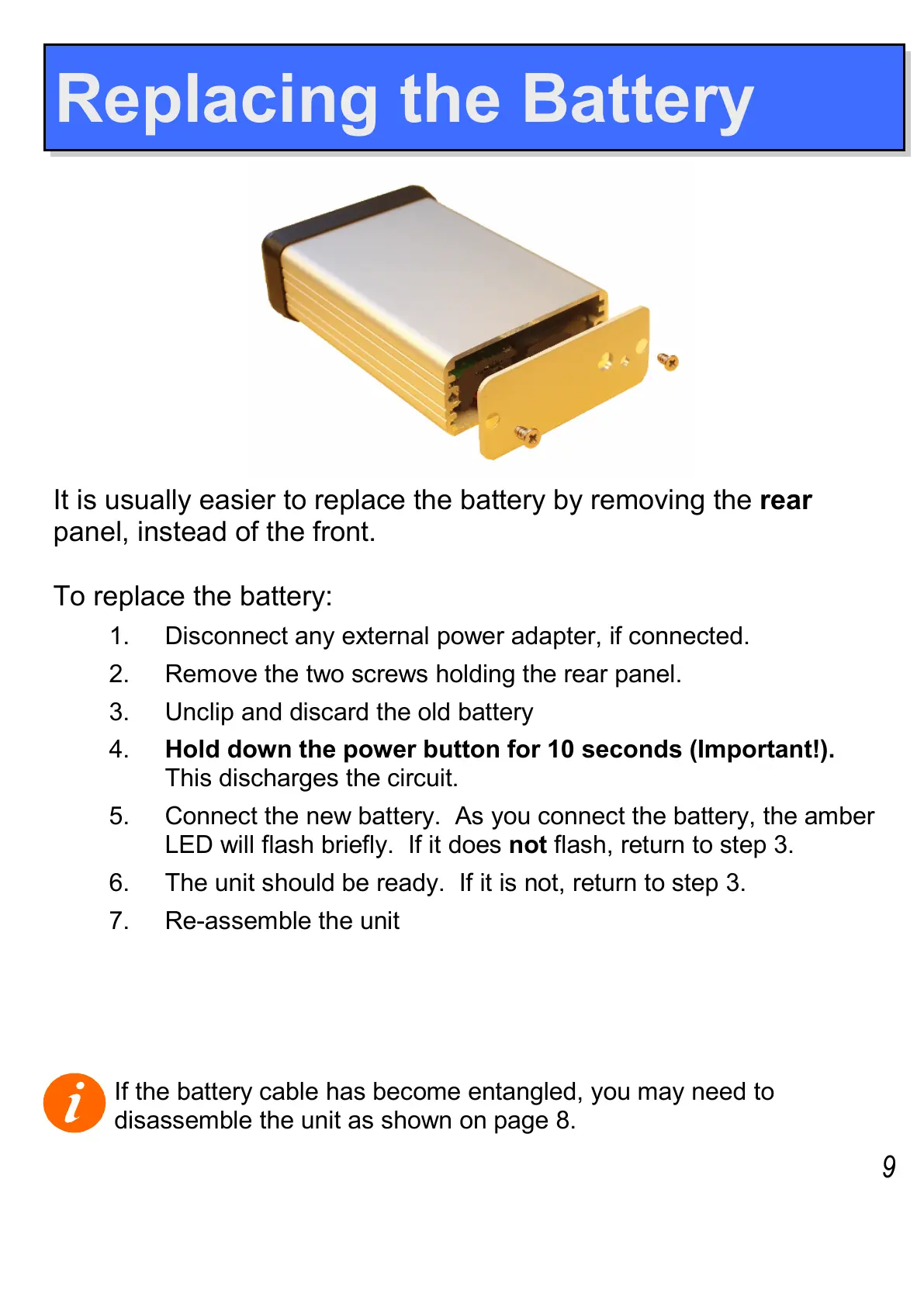
It is usually easier to replace the battery by removing the rear
panel, instead of the front.
To replace the battery:
1. Disconnect any external power adapter, if connected.
2. Remove the two screws holding the rear panel.
3. Unclip and discard the old battery
4. Hold down the power button for 10 seconds (Important!).
This discharges the circuit.
5. Connect the new battery. As you connect the battery, the amber
LED will flash briefly. If it does not flash, return to step 3.
6. The unit should be ready. If it is not, return to step 3.
7. Re-assemble the unit
If the battery cable has become entangled, you may need to
disassemble the unit as shown on page 8.
9


 To Next Page