8. Programming the EASYBKA/R
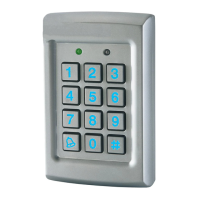
Programming the EASYBKA/R is done solely via the unit's keypad
driven Programming Menu System (see par.8.1). Some codes and
settings are pre-programmed with Default Factory Settings. The table
below shows the names of all the EASYBKA/R Menus, default factory
codes and settings.
The keypad accepts as default a 4-digit sequence and in the same
manner, the access code for programming functions is of 4 digits (default
1234).
The number of digits can be increased to 5, 6 or 8 digits. This
modification is made using menu “0”, after having entered the
programming mode (see paragraph 23).
ATTENTION: this programming must be done at the time of
installation because passing from one length to another cancels all
the memory content.
When the code length is modified, the programming access code
(initially 1234) is modified as shown in the following table:


 To Next Page

