13. Changing the Normal / Secure Code
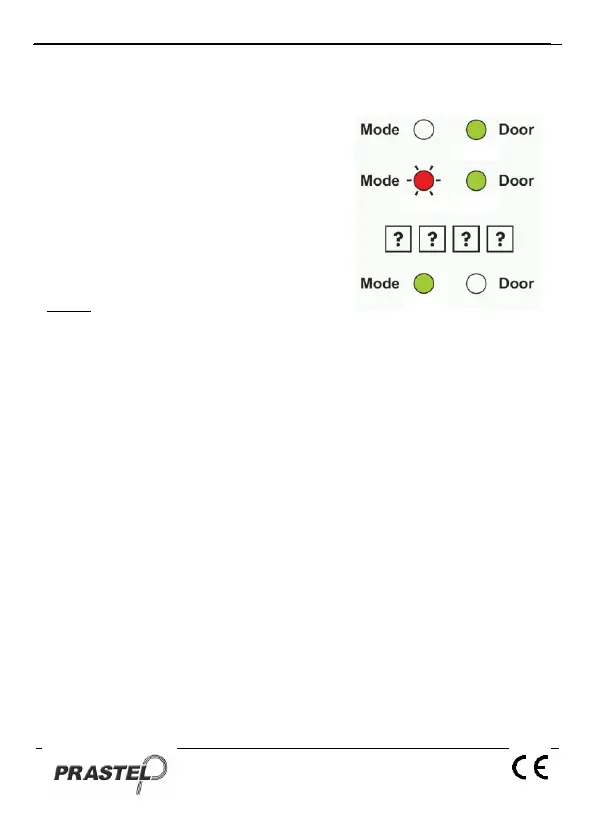
1. Enter Programming Mode
2. Press "4" to enter Menu 4: the Mode
LED will flash red.
3. Insert the new code
4. The EASYBKA/R returns to Normal
Mode: The Door LED will turn off
and the Mode LED will turn green.
NOTE
When the Auxiliary Mode is 1, 2, 3, or 4 the Auxiliary Input takes
priority over the Normal / Secure Code.
14. Changing the Normal / Bypass Code
1. Enter Programming Mode
2. Press "5" to enter Menu 5: the Mode LED will flash orange.
3. Insert a 4 digit code with 0 as the last digit for the selection of the by-
pass mode. To cancel the access code to the by-pass mode, insert
0000.
4. The EASYBKA/R returns to Normal Mode: the Door LED will turn off
and the Mode LED will turn green.


 To Next Page