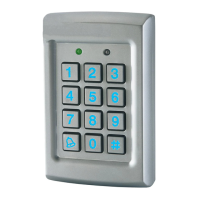
EASYKA – EASYBKA
________________________________________________________________________________________________________________________________________________________________________________________________
15
8. PROGRAMMING THE EASYKA
Programming the EASYKA is done solely via the unit's keypad driven Programming Menu System (see
par.8.1).Certain codes and settings are pre-programmed with Default Factory Settings. The table below
shows the names of all the EASYKA Menus, default factory codes and settings.
Menu description
Par.
2580 Change Open Code 1 9
0852 Change Auxiliary Code 2 10
1234 Change Program Code 3 11
3838 Change Normal / Secure Code 4 12
N/A Change Normal / Bypass Code 5 13
2004 Define Auxiliary Inputs / Outputs 6 14
0004 Change Door Release Time 6 15
Enroll Proximity Cards, PIN Code or both
7 16
Delete Proximity Cards Or PIN Code 8 17
Code Assignment with Strike/Auxiliary 9 18
Enabling the built-in keypad heater 6 19
Return to Default Factory Setting 0 22
8.1 Entering Programming Mode
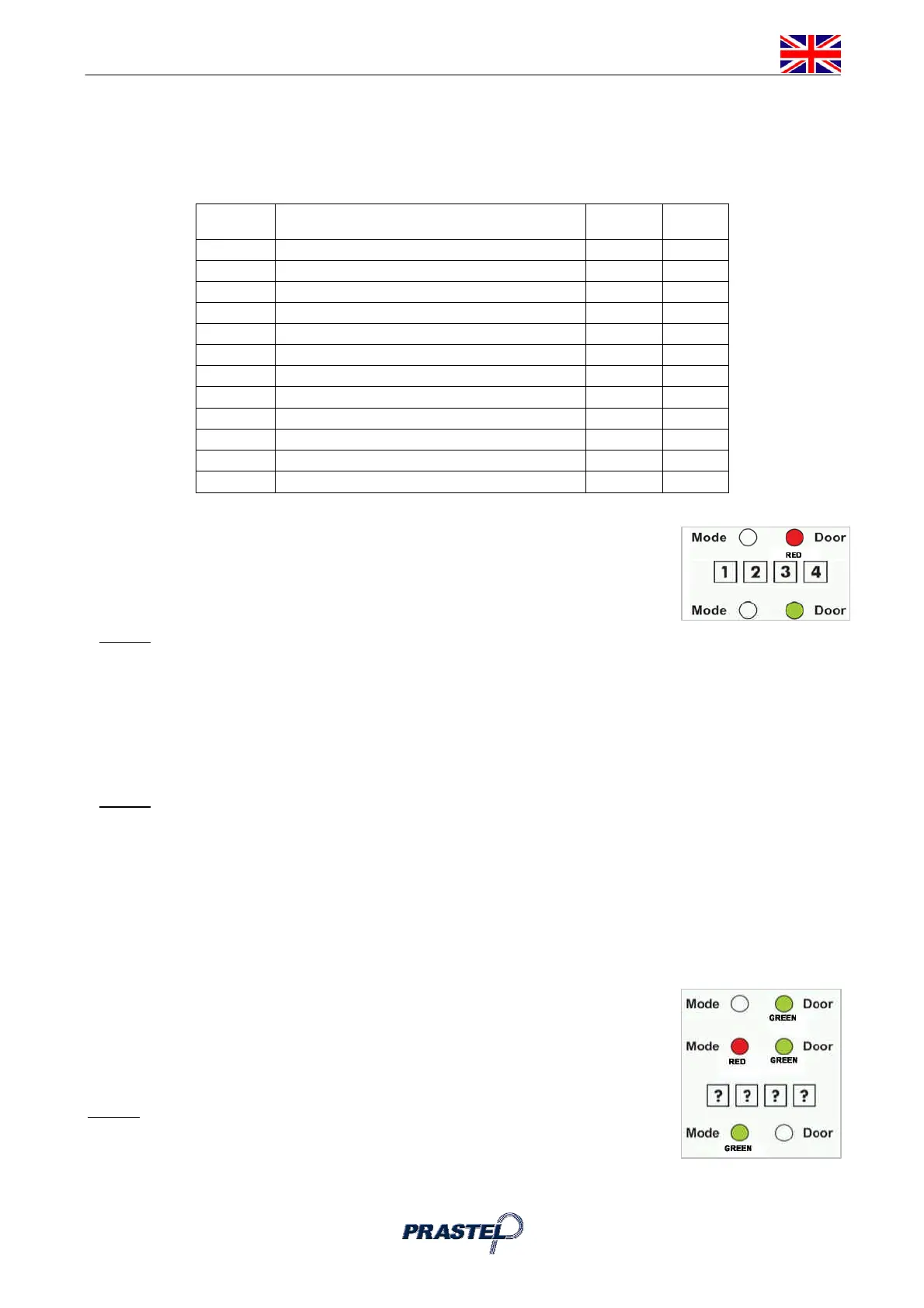
1. Press the "#" key two times. Mode LED will turn off. Door LED will turn red.
2. Enter your 4-digit Programming Code.
3. If the Programming Code is valid the door LED will turn green and the
EASYKA will be in Programming Mode.
NOTE :
The EASYKA must be in Normal Mode to enter the Programming Mode.
The factory default Programming Code is 1234
If a Programming Code is not entered within 5 seconds, the EASYKA will return to Normal Mode.
8.2 To exit the Programming Mode
1. Press the " #" key once, you will hear a long beep.
2. The Door LED will be off and the Mode LED will turn green, the EASYKA has returned to Normal Mode
NOTE :
Wrong entries may reset the controller back to Normal Mode.
While in Programming Mode if no key is pressed for 1 minute the EASYKA will exit programming
mode and return to Normal Mode.
9. CHANGING THE OPEN CODE
The Open Code is mainly used as a method to quickly test the Lock Strike Relay during installation.
The Default Factory Setting for the Open Code is 2580.
When the first user is added to the controller, the default Open Code will automatically be deleted, ready for
a new Open Code to be re-entered.
1. Enter Programming Mode
2. Press "1" to enter Menu 1.The Mode LED will turn red.
3. Enter the new 4-digit code you wish to set as Open Code.
4. The EASYKA returns to Normal Mode: the Door LED will turn off and the Mode
LED will turn green.
NOTE :
Open Code does not function in Secure Mode.
Wrong entries will return the controller to Normal Mode.
Code 0000 will erase and deactivate the Open Code.



 To Next Page