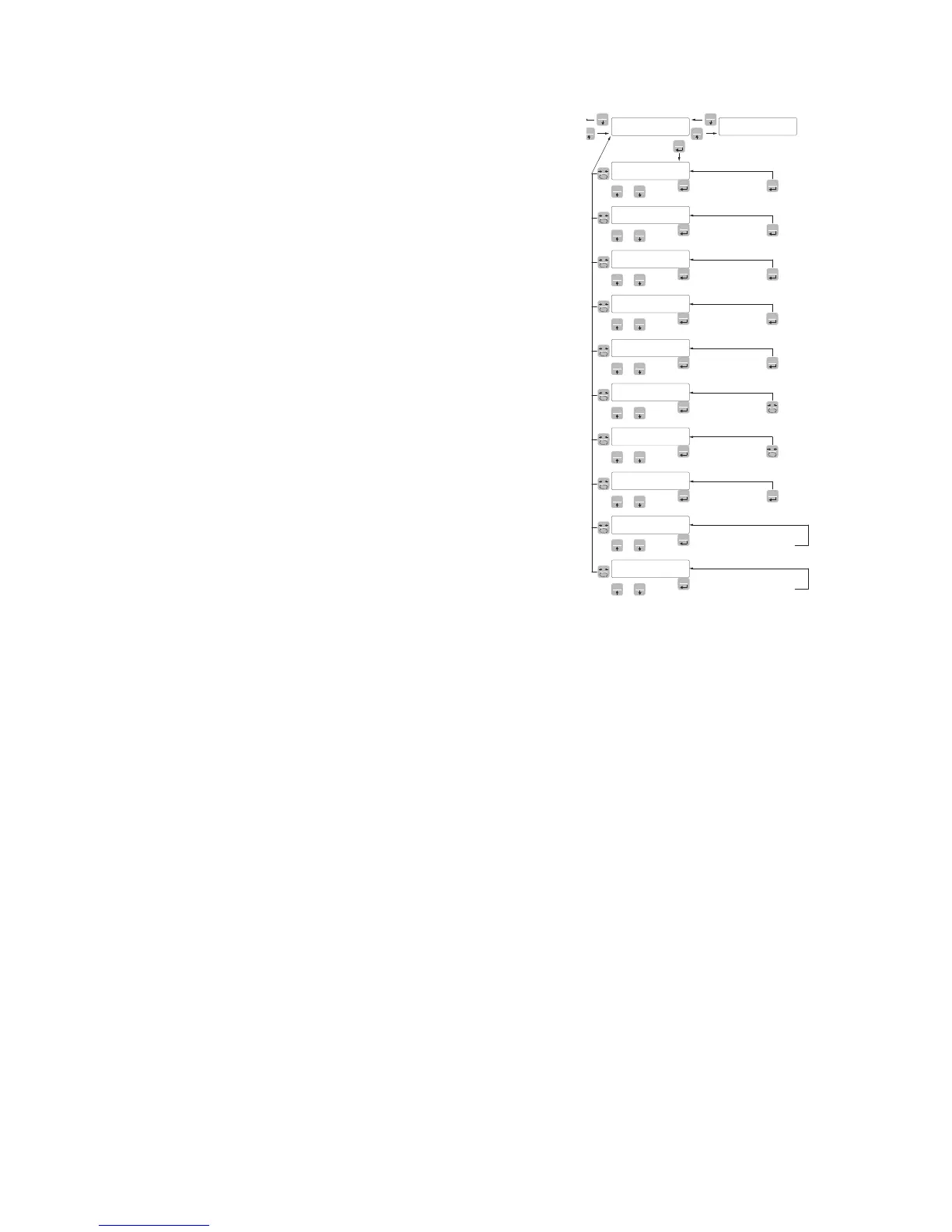
FUN
PRG
Enter Value
PRG
PRG
Enter Value
PRG
PRG
Enter Value
PRG
PRG
Enter Value
PRG
PRG
Select Value
PRG
PRG
Read Value
PRG
Read Value
PRG
Select Value
PRG
PRG
PRG
Transmit setup data
to serial port
0
0
Receive setup data
from serial port
UpLoad RECEIVING DATA FUNCTION
Receiving function from a serial of a file containing the setup data
that will be automatically set in the instrument.
dnLoad SENDING DATA FUNCTION
Sending function from a serial of a file with the content of the setup
memory of the instrument.
EXAMPLE OF SETTING/CALIBRATION
To weigh a tank, with empty weight of 750 kg and with a capacity
of 1000 liters, containing a product with a specific gravity of 1.33
to read the weight with a display resolution of 0.2 Kg.
Before proceeding with the configuration, make sure that the load
cells are connected properly to the unit and the tank is empty and
set the parameters.
They are used:
Nr 3 load cells with capacity of 1000 kg
Sensitivity of respectively 2.0015, 2.0008 and 1.9998 mV/V (ave-
rage value = 2.0007 mV/V)
Set the following values in the configuration parameters:
CapaC = 3000
sEnsit 2.0007
NEt 1500
dEad L 0
dsPd1J 0.2
Make sure that the value read in the SIGNL parameter corresponds
with the calibration weight of the system according to the following
proportion:
3000:2.0007=750:X
Where X is the value of the signal expressed in mV/V corresponding
to the theoretical value of the weight of the empty tank. The value
should be about 0.5 mV/V.
Proceed to the calibration described in the following paragraph,
or you can exit the configuration menu by saving the data entered.
The instrument should indicate the value corresponding to the weight
of the empty tank (for example 756.8).
Re-access the configuration menu and enter the weight value read
in the dEad L parameter and enter the value 756.8.
Quit the configuration menu by saving the data.
For greater accuracy, prepare some sample weights or the pre-
weighed material on a certified system and calibrate as described
in the next paragraph.


 To Next Page