Page 49
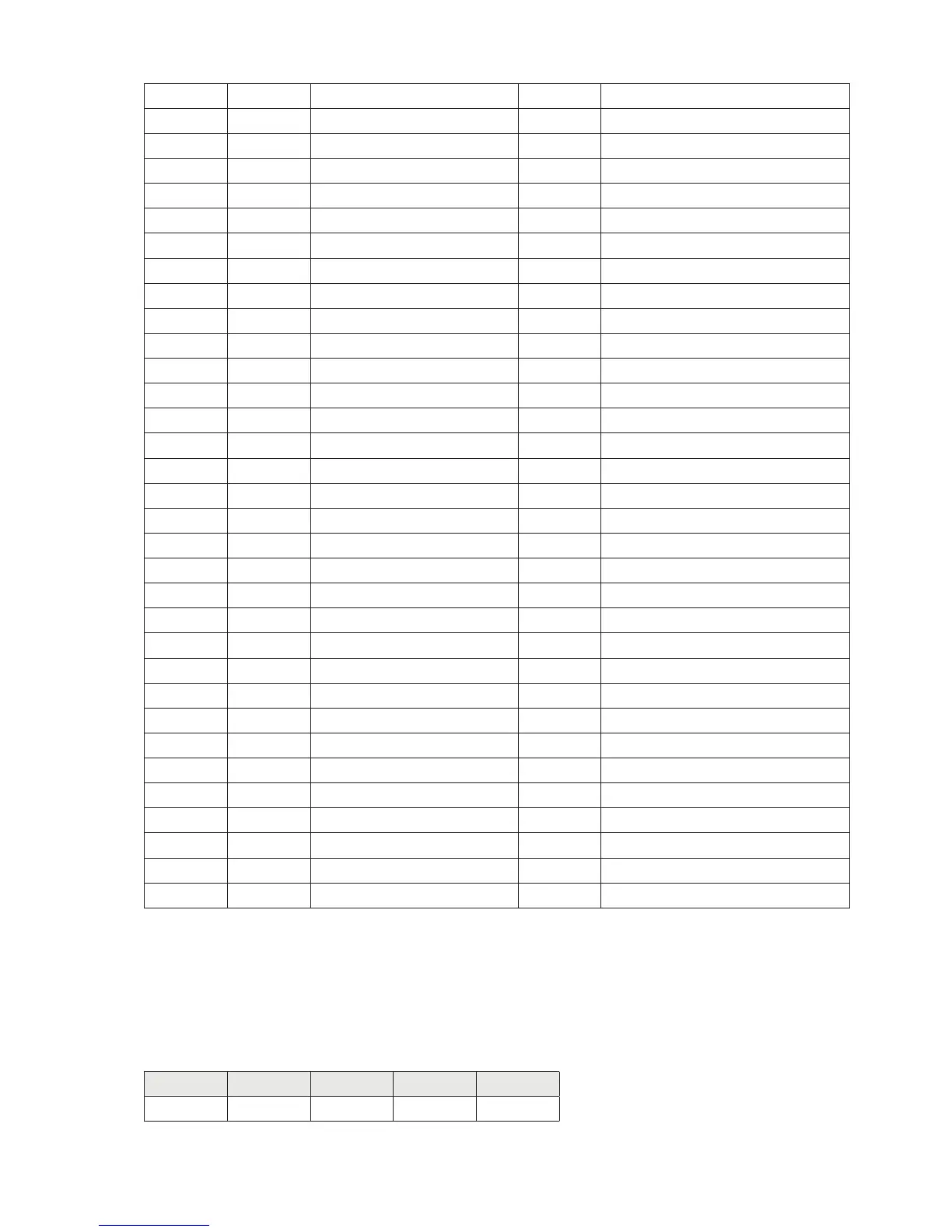
22 0 Cod_Firmware BYTE See table C Page 45
23 0 Cod_Versione BYTE See table C Page 45
24 0 SP_1 DINT
28 0 SP_2 DINT
32 0 Load_Cell_Capacity DINT
36 0 Load_Cell_Sensitivity INT
38 0 Weight_Division_Value INT
40 0 Tare_of_the_System DINT
44 0 Capacity_of_the_System DINT
48 0 Filter_Value INT
50 0 Weight_Stability_value INT
52 0 Autozero_Set DINT
56 0 Tracking_Factor INT
58 0 Zero_Band INT
60 0 Not used BYTE
61 0 Set_1_Net_Weight BOOL See table F Page 46
61 1 Set_1_Gross_Weight BOOL See table F Page 46
61 2 Set_1_NO_NC BOOL See table F Page 46
61 3 Set_1_Pos_Neg_Values BOOL See table F Page 46
61 4 Set_1_Control BOOL See table F Page 46
62 0 Set_1_Hysteresys DINT
66 0 Set_1_Timer INT
68 0 Set_1_Delay INT
70 0 Not used BYTE
71 0 Set_2_Net_Weight BOOL See table F Page 46
71 1 Set_2_Gross_Weight BOOL See table F Page 46
71 2 Set_2_NO_NC BOOL See table F Page 46
71 3 Set_2_Pos_Neg_Values BOOL See table F Page 46
71 4 Set_2_Control BOOL See table F Page 46
72 0 Set_2_Hysteresys DINT
76 0 Set_2_Timer INT
78 0 Set_2_Delay INT
80 0 Monitor_Register INT
READING EXAMPLE
To read the gross weight on the DAT 400 it is needed to read the addresses from 2 to 5 of the Input Area.
To read the net weightit is needed to read the addresses from 6 to 9 of the Input Area.
Whwn the display shows the gross weight value of 12351 in the corresponding bytes there will be:
Byte 2 Byte 3 Byte 4 Byte 5
Hex 00 00 30 3F


 To Next Page