EasyManua.ls Logo

Precor 5.31 - User Manual

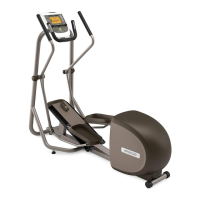
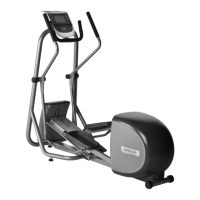
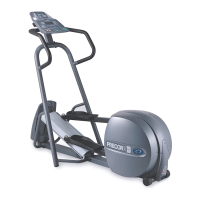
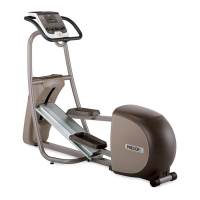
Precor 5.31
68 pages
Print Icon
To Next Page IconTo Next Page
Loading...
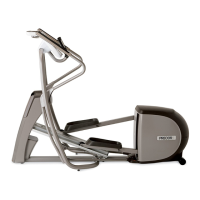
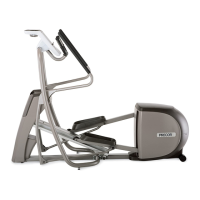
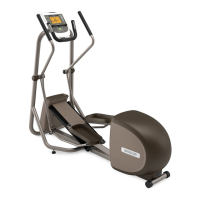
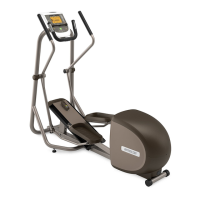
5.35
5.33
5.31


OM_5.3x-V_Cover.fm Page 1 Monday, July 30, 2007 3:08 PM

Table of Contents

Questions and Answers

  • K
    Kelly LongJul 28, 2025
    What to do if ERROR 30 appears on Precor 5.31 Elliptical Trainer?
    • J
      Joe NolanJul 29, 2025
      If ERROR 30 appears on the display of your Precor Elliptical Trainer, the cause might be an incorrect RJ45 cable connection. To resolve this, remove the cable and re-insert it into the other receptacle on the back of the display console. Ensure you use the correct receptacle, which has the tab opening at its base.

Summary

Safety and Compliance

Safety Approval

Confirms product compliance with safety standards.

Grounding Instructions

Details proper electrical grounding procedures for user safety.

EFX Features

Converting Handlebar Positions

Instructions for switching between stationary and moving handlebars.

Heart Rate Features

Using the Heart Rate Monitor

How to use touch-sensitive grips or a chest strap for heart rate monitoring.

Advanced Features and Maintenance

Maintenance Procedures

Covers inspection, cleaning, and long-term storage guidelines.

Warranty Information

Limited Warranty

Details warranty terms, coverage, conditions, restrictions, and remedies.

Precor 5.31 Specifications

General IconGeneral
TypeElliptical Trainer
Resistance Levels20
Stride Length20 inches
Weight Capacity350 lbs
DisplayLCD
Programs10
Ramp AngleFixed
Heart Rate MonitoringContact and Telemetry
PowerAC

Related product manuals