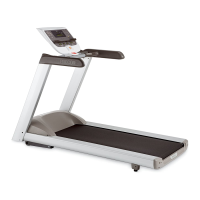
9.33i, 9.35i Treadmill
Page 9
Procedure 2.3 - Accessing the User Parameter Program
This procedure allows you to change the following settings:
• Set Measurement Units
• Enable/Disable Password
• Set User Name
Procedure
1. Plug the power cord into the wall outlet, then turn on the treadmill with the circuit breaker.
2. Press keys STOP,5,6,7,1 sequentially.
3. The display will momentarily read SELECT UNITS
4. The currently selected measurement unit will then be displayed.
5. Use the
, keys to toggle between U.S STANDARD and METRIC..
6. Press the ENTER key to select the currently displayed measurement unit.
7. The display will momentarily read, PASSWORD
8. Use the
, keys to select either PASSWORD ENABLED or PASSWORD DISABLED.
9. Press the STOP or ENTER key to exit the program.



 To Next Page