UPGRADING YOUR COMPUTER - 9
Installing the 3.5-inch hard drives
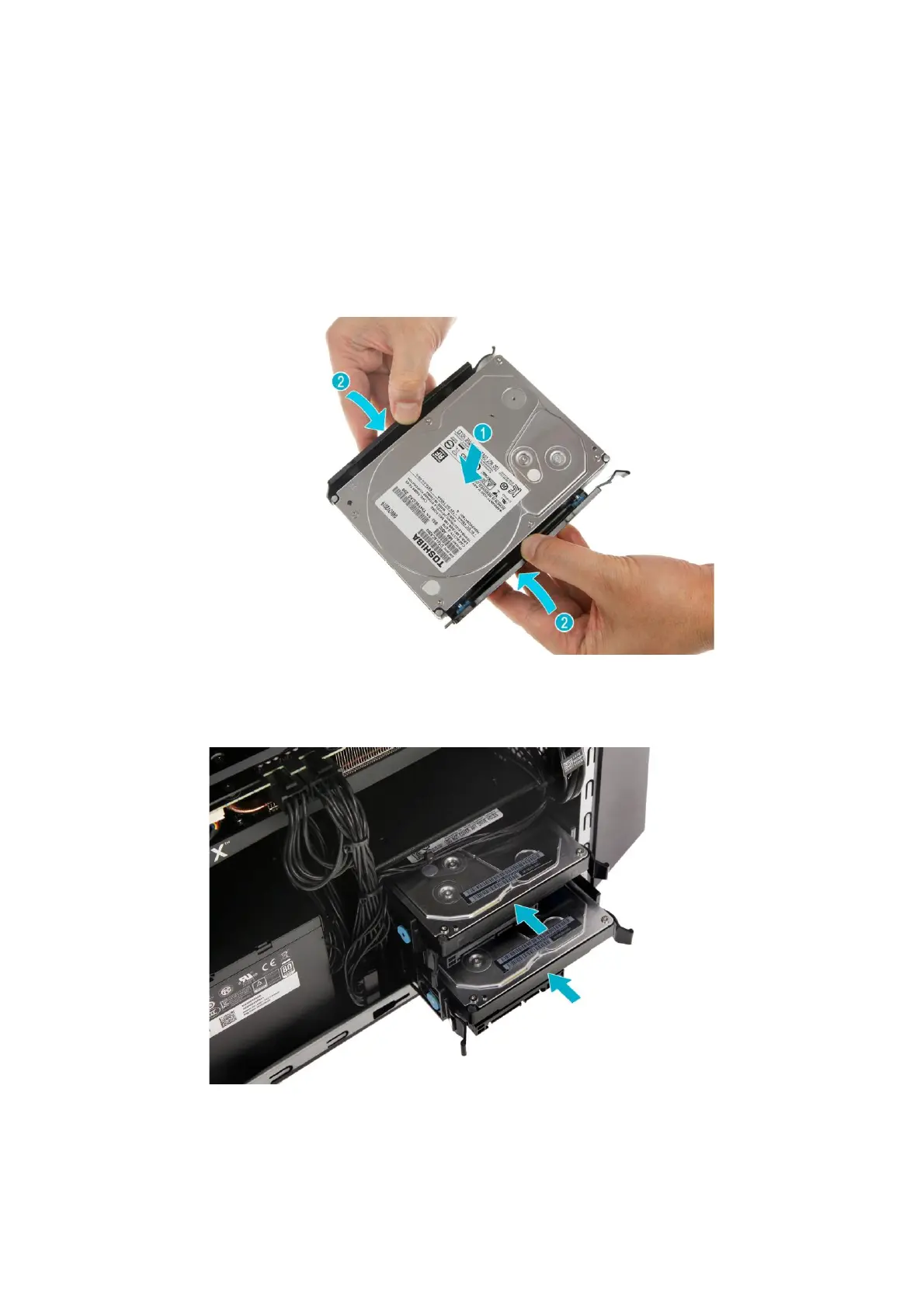
1.
Remove the new hard drive from their
packaging.
2.
Place the hard drive into the carrier (
1
) and
reinsert the retaining screws into the hard
drive (
2
).
3.
Insert the hard drives into the chassis.



 To Next Page