Premier Tech Aqua • Rewatec
®
16/24 Operation Mc Rain Plus
DORW2090 – 07.01.16
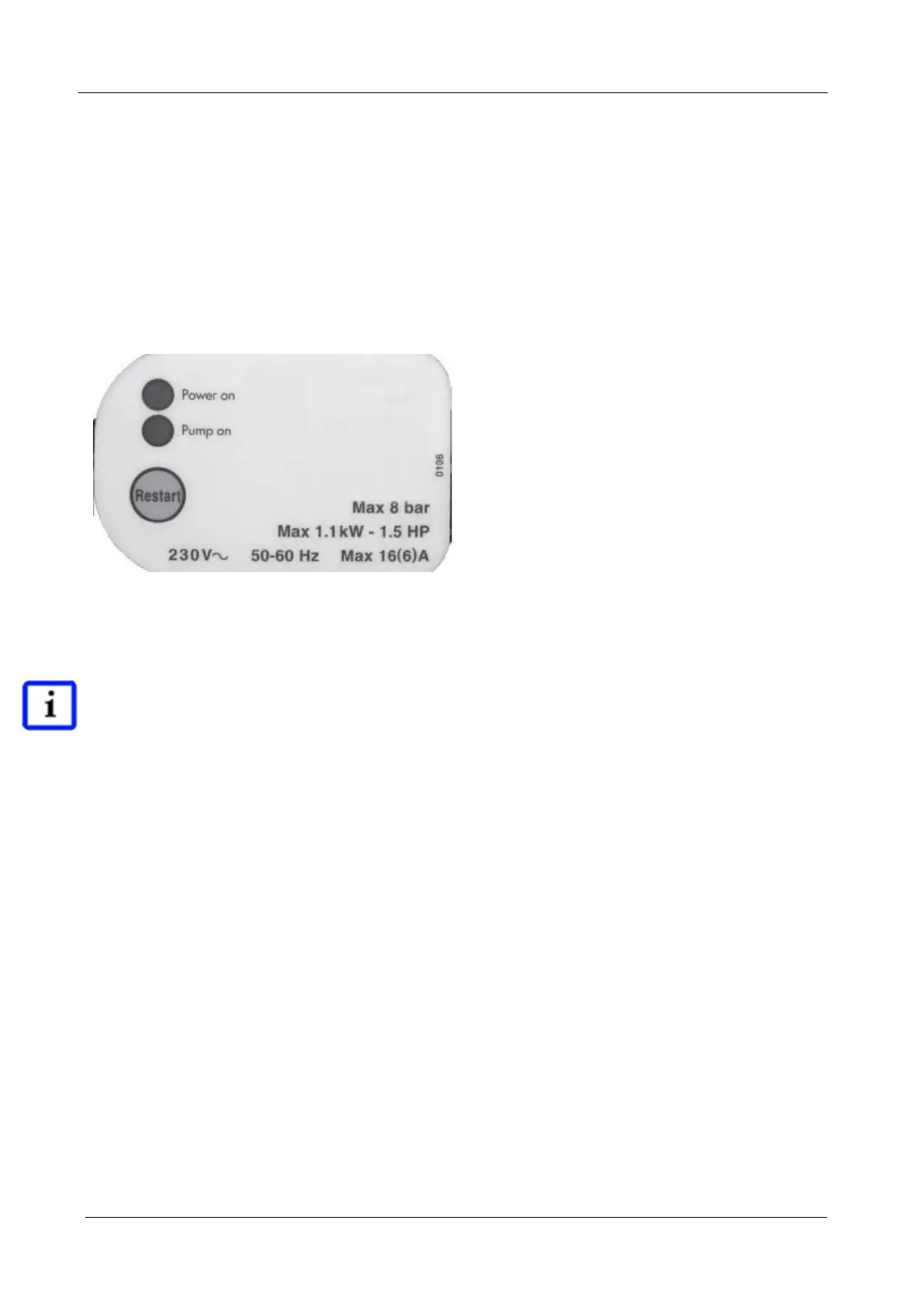
5. Operation of the flow control (see figure 2 below)
LED green “Power On”
Displays the operational availability of the flow control and the pump
·LED yellow “Pump On”
Displays the operation of the flow controller and the pump
·Touch button “Restart”
By pressing this button the pump is activated, starts and stops after about 15
minutes running
time. By keeping the button pressed, the dry-run-protection is temporarily suspended and the
pump continues running for the duration of the period.
Fig. 2
CAUTION!
Mains Water Switch Over
Once the McRain plus has been operating on “Automatic” for 10 days it automatically switches to
mains water so as to clean any stagnation in the water
as well as the water feed. This operation
procedure is regulated by the pump
current and set to a maximum of 30 seconds. After the pump
has lifted water for 30 seconds in this state (shorter pumping cycles are introduced) McRain
switches back
to the previous control settings.



 To Next Page