11
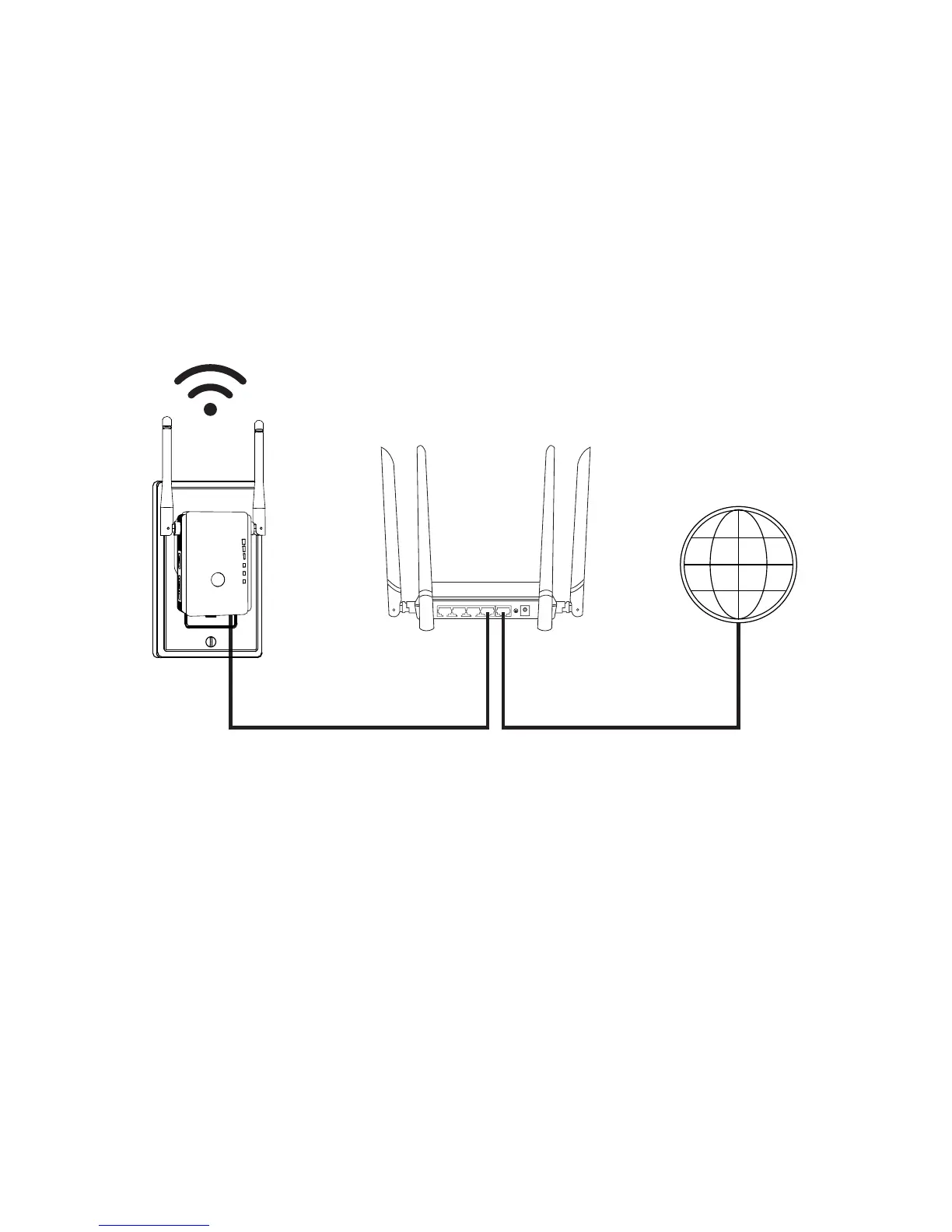
1. Power on the Prescitech E300
2. Connect the E300 to your wired Ethernet port with
Ethernet cable came with the E300.
3. Use a WIFI network manager on a computer or
smartphone (recommended) to find and connect to the
E300 network “Prescitech E300”. Using the PIN
number on the rear panel of the E300 if ask for the
password.
Switch the power button “On”& the mode button to
“AP” on the side of the extender. Plug the extender
into an electrical outlet.
LAN4 LAN3 LAN2 LAN1 WAN
Prescitech
WAN/LAN Port



 To Next Page