14
Other Settings
1. Connect the E300 and visit the admin page by
entering http://extenderlogin.com or 192.168.10.1
2. Fill in the password of admin page.
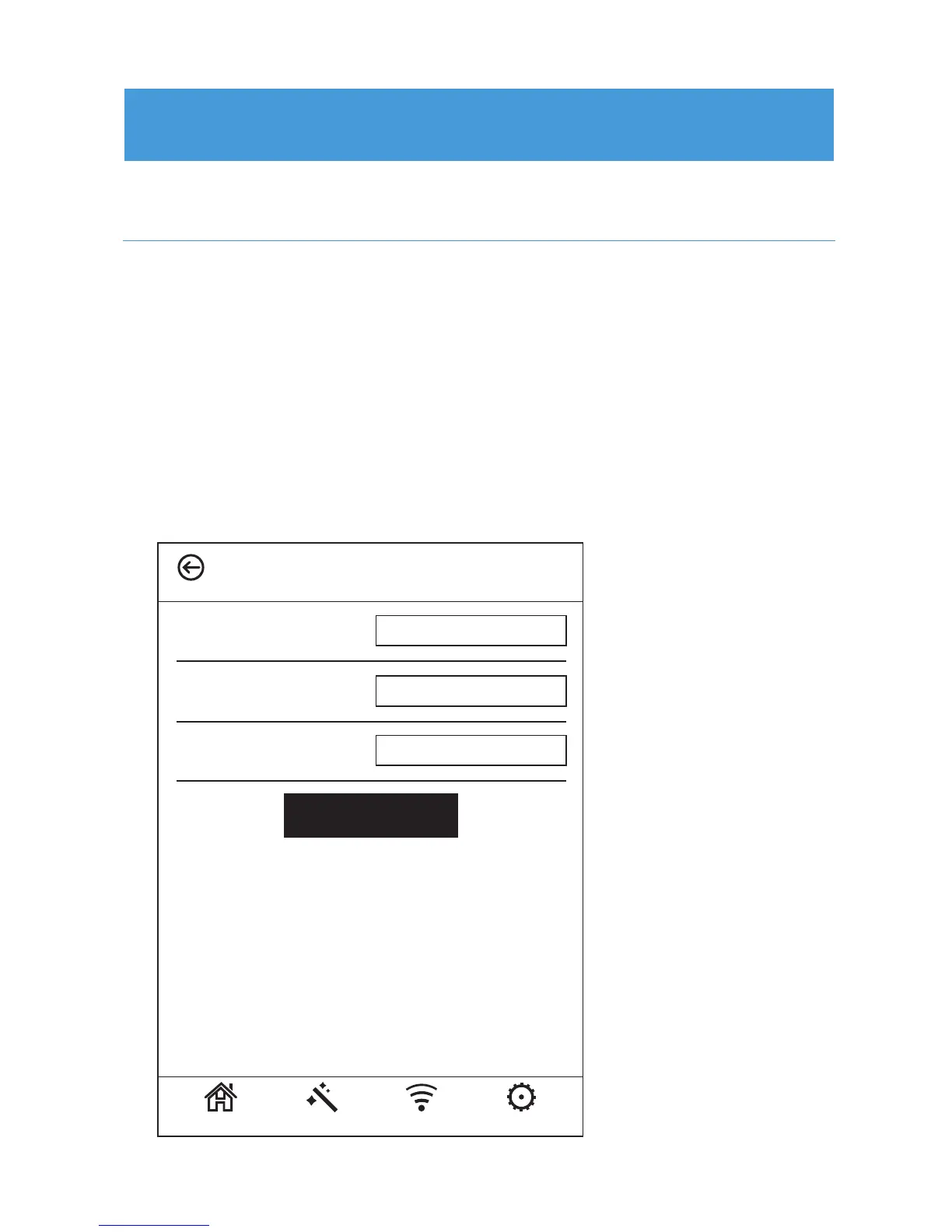
3. Click “Settings” >> “Login Password”. Input your
current password & the new password you want to set
twice.
4. Click “Apply” button, your change would be saved.
Change the password of Prescitech E300
Login Password
Current Password:
Confirm Password:
Home Wizard Wi-Fi Settings
New Password:
Apply



 To Next Page