13
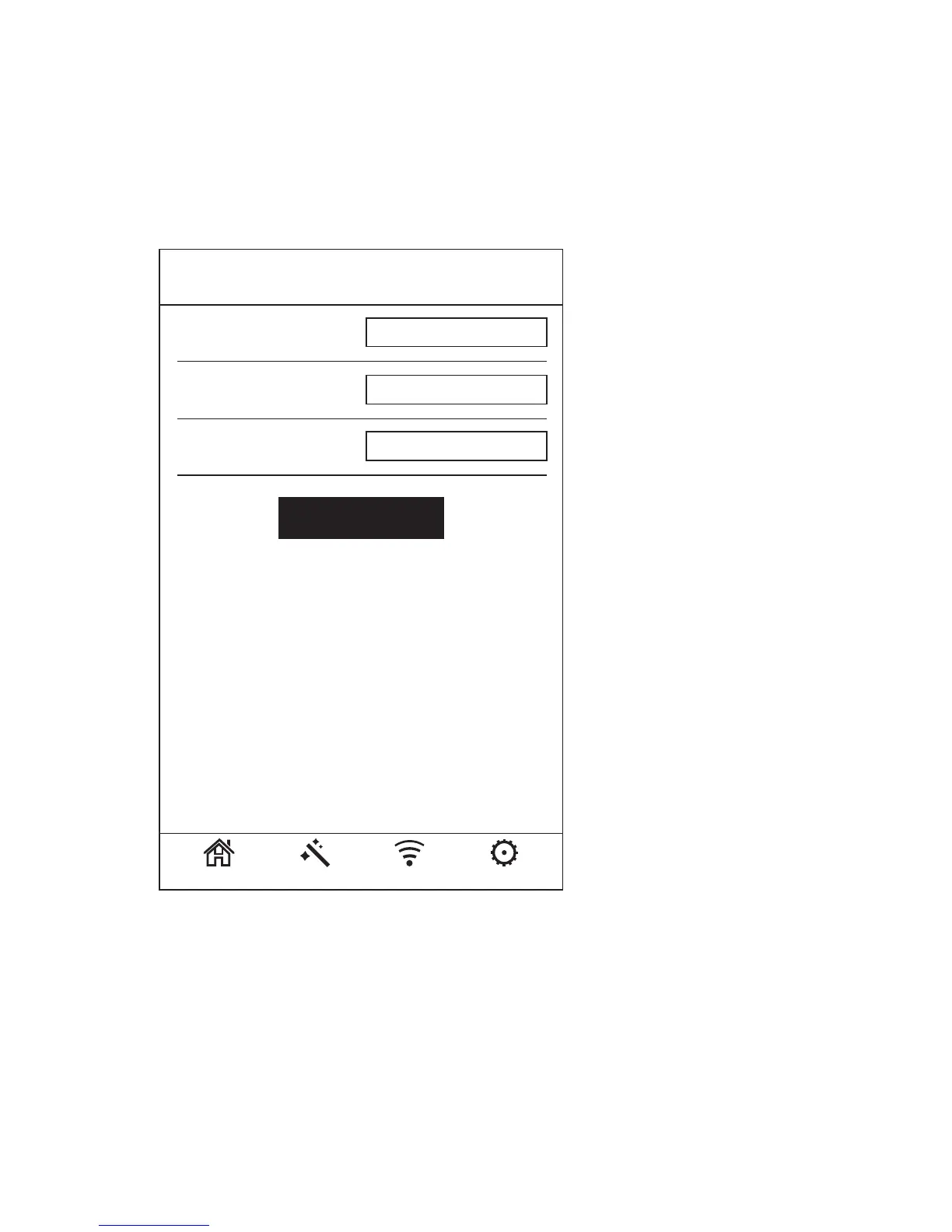
5. Click “Wizard”, choose the Security Type as “WPA/W
PA2 Mix” (Recommend). Set up your own WIFI
password & submit “Apply”.
6. It is around half a minute to reboot the E300. You can
connect back the E300 by the password you set.
AP Wizard
Wi-Fi SSID: Prescitech E300
WPA/WPA2 Mix
Wi-Fi Password:
xxxxxxxxxx
Home Wizard Wi-Fi Settings
Security Type:
Apply



 To Next Page