07
3. It is around half a minute to reboot the E300. You can
connect back the new SSID of E300 by locating the
suitable place you need (how to locate the repeater
please refer to the troubleshoots on Page 16).
NOTE: Once setup successful, the WLAN LEDs would
change into Lit Green. The WLAN LED1 keeps blinking
if the setup failed, you might enter the wrong password
on step 3.
Repeater Wizard
Connect to: ASUS
E300 SSID:
ASUS_EXT
Select a Wi-Fi
ASUS
XXXXXX
XXXXXX
Home Wizard Wi-Fi Settings
Manually enter
Wi-Fi Password:
Connect
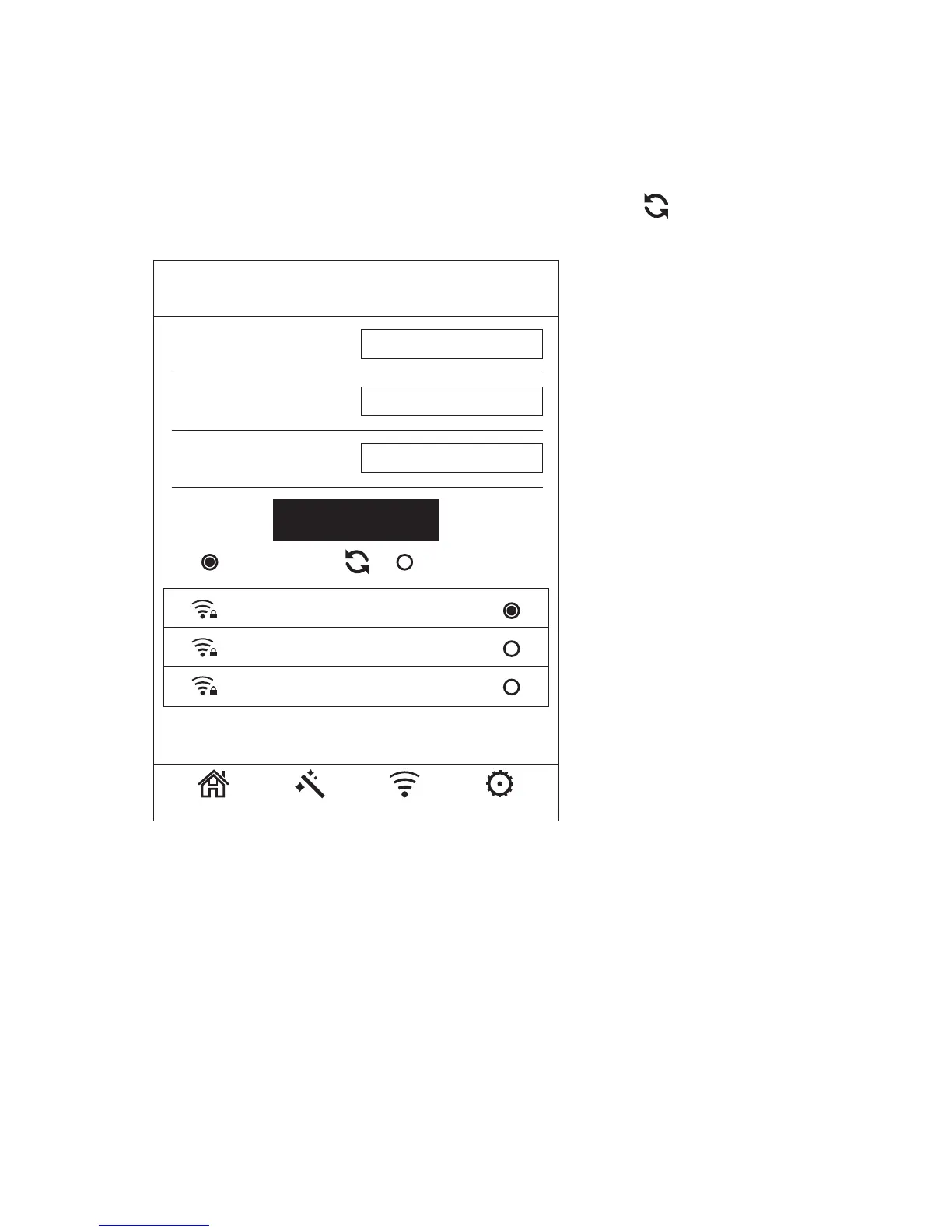
2. Click “Wizard”& choose the your router SSID, fill in
the Wi-Fi Password of your router, then click
“Connect”. If the wireless Network list could not load
completely or successful, please click to refresh.



 To Next Page