Functions of your Presidium Gem Indicator
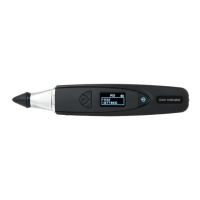
Your Presidium Gem Indicator has 4 functional options
on the main screen menu as follows:
Test
Settings
Calibrate
Library
You may toggle between these options using the “Up”
and “Down” buttons. To activate a function, press
“Select” when the navigation arrow on screen points to
the function.
The rest of this handbook will give further information on
how to use the various functions.
10


 To Next Page