4. OTHER FUNCTIONS of your Presidium Gem Indicator
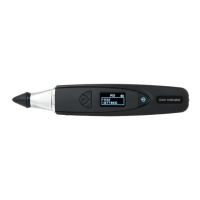
4.1 Settings Function
Test
> Settings
Calibrate
Library
Navigate downwards to the second option “Settings” and
select.
In the Settings function, you may adjust Sound and Color.
Settings – Sound
Press “Select” at the option “Sound” to either turn it on
or off. (Fig. 4.1)
By selecting “Sound On”, beeps will sound as you
navigate up and down in the menus, and there will be
alerts when test result is completed or when metal is
detected.
By selecting “Sound Off”, no beeps will be emitted from
the tester and you will not be alerted via sound when the
test is completed or when metal is detected.
Fig. 4.1
28


 To Next Page