> Test
Settings
Calibrate
Library
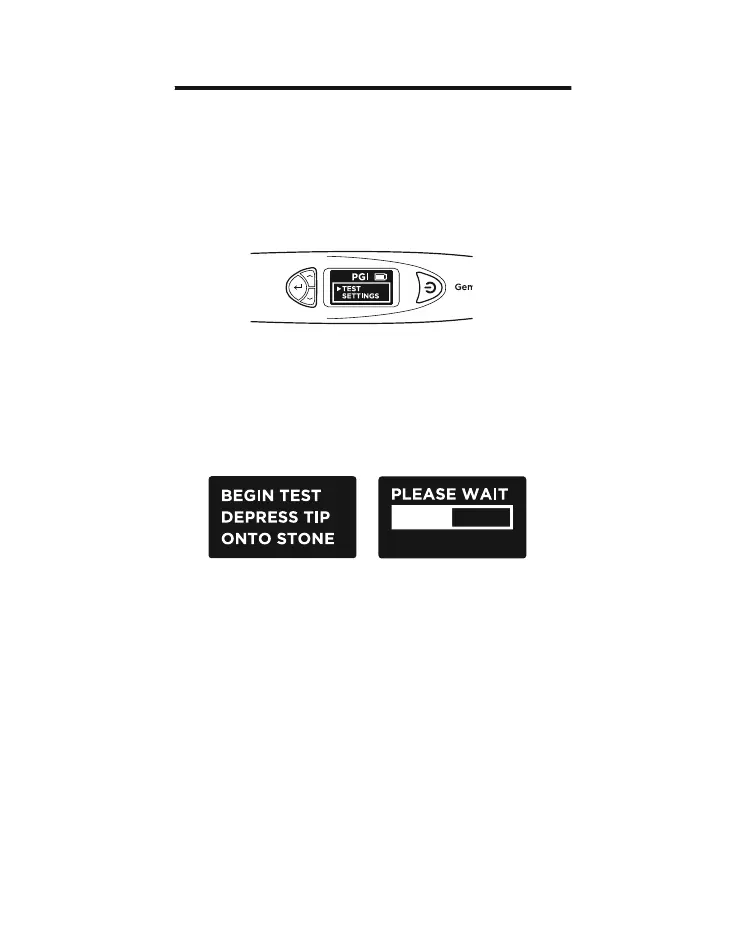
Toggle the navigation and Select “Test” to begin testing
(Fig 2.1)
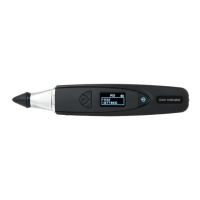
When prompted on the screen, depress the probe tip
against the gemstone for about 5 seconds. Testing will
begin. You will need the hold the tester in this position till
the testing bar on the screen is completed (Fig 2.2).
You will be prompted to Select “Color” to enable the color
separation function, thereby narrowing down the possible
results.
Note: If you have disabled the Color function (see Section
4 Fig. 4.2), you will not be prompted to input Color.
However, once the results have been displayed, you can
still Select Color to narrow down the possible results.
Fig. 2.1
Fig. 2.2
2. PERFORMING A TEST with your Presidium Gem Indicator
17


 To Next Page