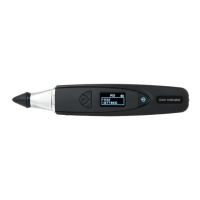
Turning on your PGI
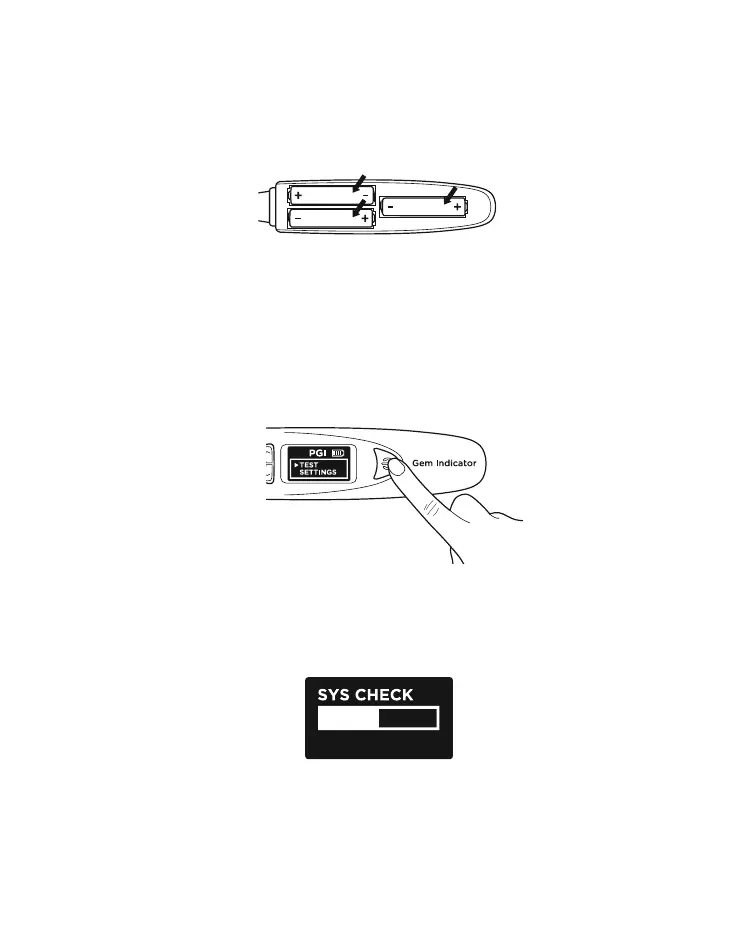
Press and hold the [ON/OFF] button (Fig. 1.4.1) on the
tester.
“SYS CHECK” will appear on the display screen as
you wait for about 3 seconds for the tip to warm up to
programmed pre-determined tip temperature.
Take note of the positive (+) and negative (-) directions
of the batteries when inserting them into the tester (Fig.
1.3). The use of alkaline batteries is preferred as it should
generally give approximately 3 hours of continuous
operation, while the use of ordinary batteries will give a
shorter operating life.
Fig. 1.3
Fig. 1.4.1
Fig. 1.4.2
Sys Check
12


 To Next Page