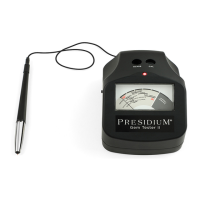
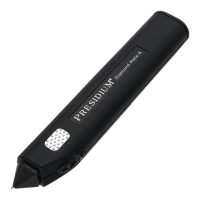
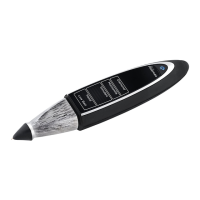
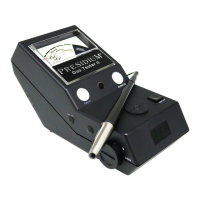
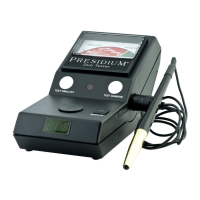
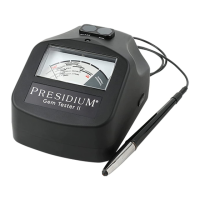
Quick Tips for using your PGI
• If the tester is being used for the ¿rst time, or if the
tester has not been used for a week, it is advisable
to clean the probe tip using a piece of paper to attain
consistent and accurate reading. Rub the tip gently
across the paper surface before testing.
• It is advisable to re-calibrate the unit if you switch
between different power sources (i.e. between USB
and batteries).
• The gemstone must be cleaned with a jewelry cloth or
dry soft tissue paper before any test.
• The probe tip must be placed perpendicular to the
facet of gemstone for an accurate reading.
• Tests should be conducted on the table of the
gemstone. In the event of any doubt, kindly test on the
girdle of the gemstones instead.
• Avoid sudden removal of contact with the gemstone or
sliding the tip around the gemstone during testing and
calibration.
• To achieve optimum accuracy for tests involving very
small gemstones (10 points and below), it is important
to allow the gemstone to cool down for 5-10 seconds
in between tests.
• When testing a gemstone with low thermal values
(refer to Fig 3.3 in Section 3), e.g. glass, it must
be noted that results may take slightly longer to be
displayed.
• It is advisable to conduct multiple tests on different
points on the gemstone as thermal conductivities
may differ slightly along different crystal axes of the
gemstone.
21


 To Next Page