13
5 Resources
5.1 Factory Reset
To reset your PS49 USB MIDI Keyboard to its factory default state:
1. Turn the power switch to the “Off” position.
2. Hold down the [Oct -] and [Oct +] buttons while turning the PS49 on.
The LED display will read “888,” and all the default MIDI CC assignments
will be restored to their factory defaults as described in this manual.
5.2 Technical Specification
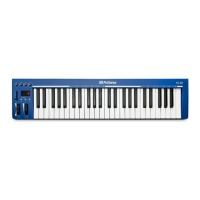
Type 49-key, full-size, velocity-sensitive, unweighted keyboard
Controls Pitch Bend, Modulation, Volume fader (assignable), four knobs (assignable),
Octave Up/Down. Advanced functions available in Edit mode.
Connections ¼” Sustain-pedal jack (polarity-sensing)
MIDI Via USB, class compliant
USB 2.0, provides power
Weight: 4.2 lbs (2 kg)
Dimensions: 31.5” (80 cm) x 7.5” (19 cm) x 3” (7.6 cm)


 To Next Page