USER MANUAL | MultiPhone PAP4500 DUO
Tap Back button and to continue when ready.
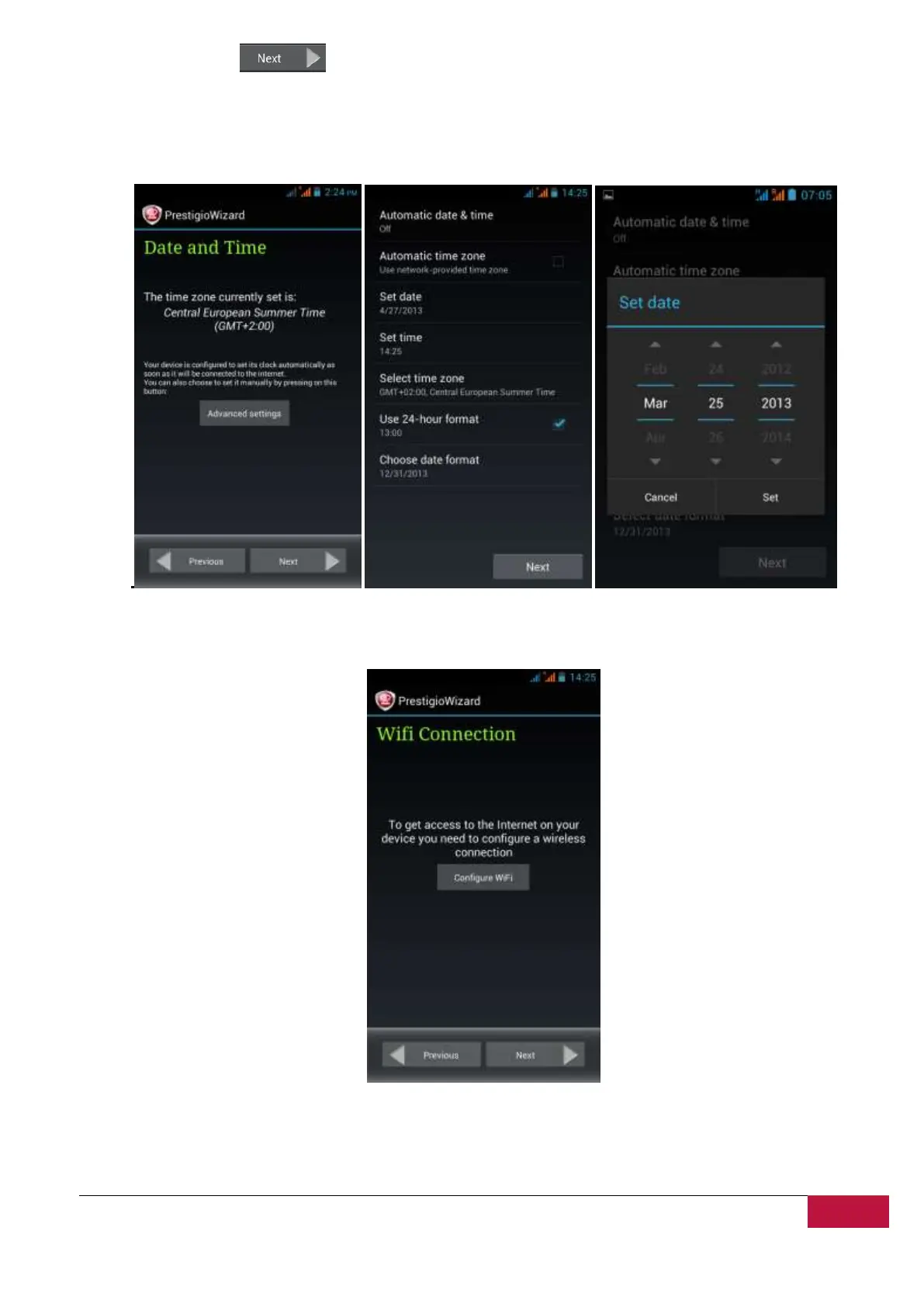
Date and Time screen has to be used for exact Time Zone setup. By default the MultiPhone tries to
retrieve time information from Internet time servers. In case you do not have an Internet access right
now you may use Advanced Options button and configure the time and date manually.
Tap Next button to continue to Wi-Fi connection screen.
To connect to a Wi-Fi network, you should tap button Configure WiFi, choose your network SSID name in
a list, enter the password in pop-up menu and press Connect:












 To Next Page